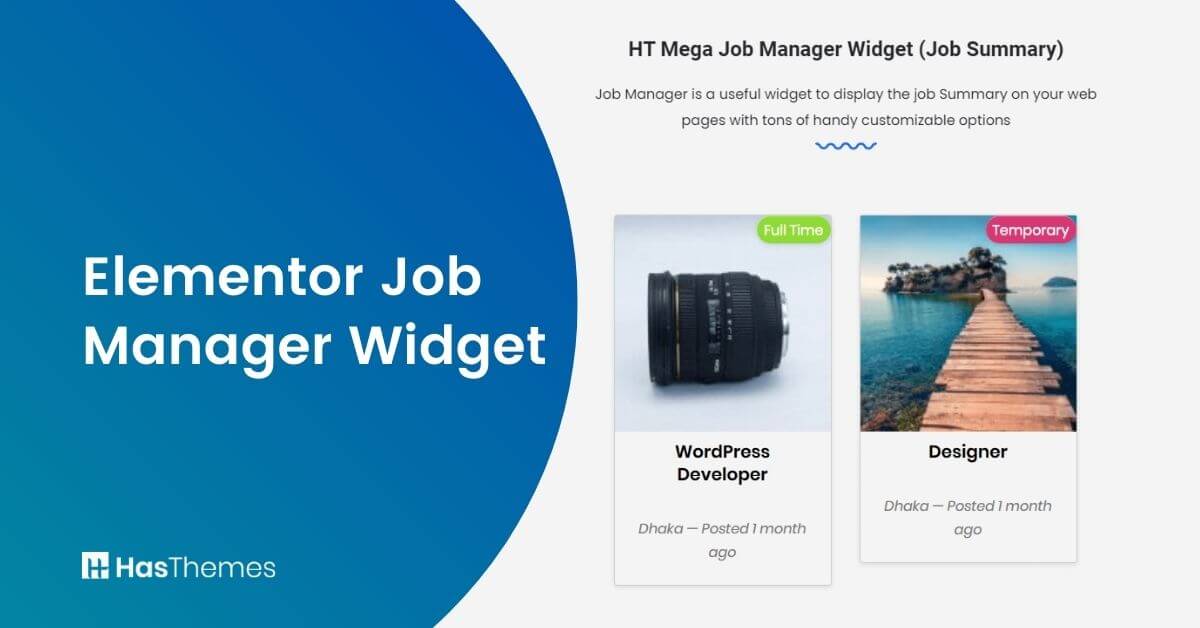
Elementor Job Manager Widget

The Elementor Job Manager Widget transforms how you post and manage job listings on your WordPress website, making the entire process effortless. This user-friendly tool allows you to update job listings with styles that perfectly complement your website’s design. The comprehensive job dashboard provides applicants with a complete overview of all positions they’ve applied to.
The Elementor job manager widget empowers you to customize every aspect of your Job Manager pages, from search forms to submission interfaces and administrative dashboards. Style your job listings search form to align with your branding while maintaining a streamlined workflow that’s fast, secure, and highly adaptable.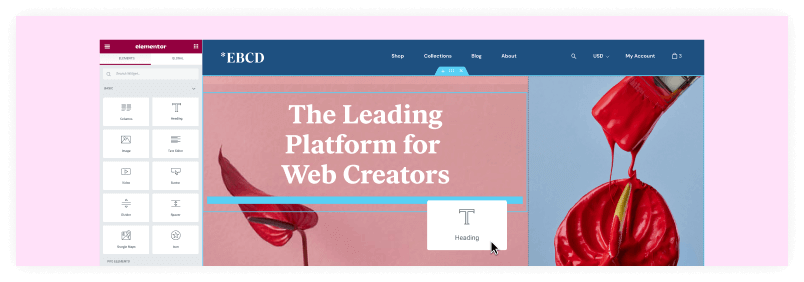
Whether you’re handling a few positions or building an extensive job board, this Elementor connector delivers complete control over your listings’ appearance and functionality.
The widget serves both employers managing multiple openings and job seekers navigating through available positions, creating a professional recruitment ecosystem within your WordPress site.
Key Takeaways:
- Evaluate the pricing details of both widgets.
- Learn how to create professional job boards using WP Job Manager Elementor.
- Explore customized job listing layouts with multiple style options through HT Mega and Move Addons’ Elementor widgets.
- Gain clear insights into the differences between HT Mega’s free widget offering and Move Addons’ premium solution
- Discover the extensive customization options available in both widgets
- Understand how features like pagination, filtering, and search functionality can improve the job searching experience.
Benefits of the Elementor Job Manager widget
Are you looking for a new and exciting way to create a job board to post your job positions that are vacant? The Elementor Job Manager widget can be helpful in this regard.
The Elementor job manager widget is the perfect solution for anyone looking to streamline their job postings on their WordPress website. This easy-to-use tool allows you to post your job listing Elementor directly to your website, keeping your job list content fresh and engaging. Enhance your hiring process with the job board elementor solution for WordPress.
The Elementor WP Job Manager Widget is the perfect way to add job posts and list your open positions on your website. With just a few clicks, you can add a widget that will show all of your current job postings. This keeps your website content fresh and engaging, while also reaching out to potential passive candidates. It’s easy to add and works with any WordPress site.
Popular Elementor Job Manager Widgets
The WordPress marketplace offers several robust solutions for job listings with Elementor. HT Mega and Move Addons stand out as the leading options for website owners today. Let’s learn about them:
Elementor Job Manager Widget by HT Mega
The HT Mega job manager widget is a useful free tool that allows businesses to rapidly and easily create job board and publish job opportunities on their website.
It’s also completely customizable, so you can make a job board website that matches the design and feel of your website. Businesses can now easily advertise employment opportunities without having to worry about this job widget.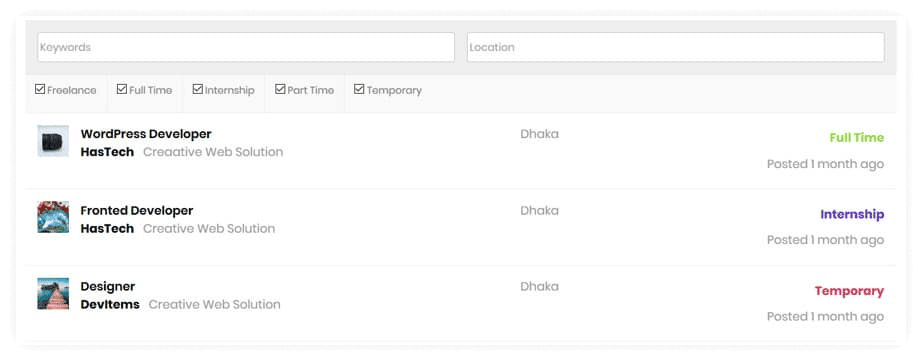
You can choose from five different job listing layouts with the WP Job Manager widget. You may also choose the number of listings to display and the order in which they appear.
It allows you to change the order in any way you choose, whether by date, author, title, or random. This WP job openings elementor widget simplifies job postings on your WordPress site.
Additionally, you can adjust the Pagination Type and filters to meet the needs of Elementor data updater. The WP Job Manager widget also helps you control other aspects such as motion effects, background, transform, and borders and masks to your website. The widget will look amazing on any device thanks to adaptable positioning.
Elementor Job Manager Widget by Move Addons

The job manager widget is only accessible in Move Addons’ pro edition. You may quickly and easily post your open positions to your website with the Elementor Job Manager widget. You can choose from three different styles for your job posts using the widget.
The Elementor Job Manager Widget is an excellent tool for limiting job postings and customizing the order of each post. You have complete control over the duration of your content.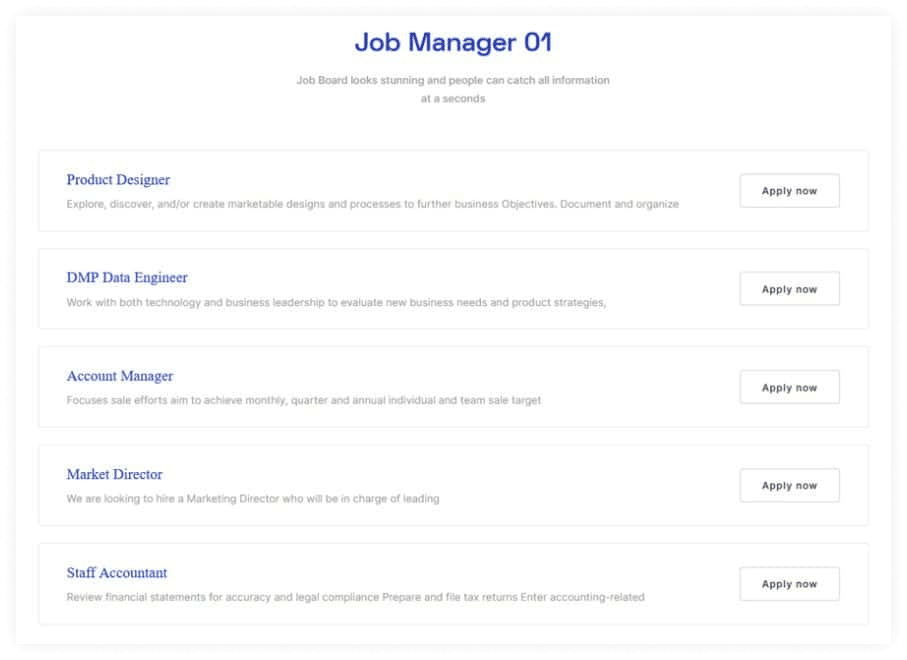
The Elementor Job Manager Widget is ideal for companies who need to keep track of their job ads fast and efficiently. You can add, amend, and delete job posts with only a few clicks with this widget. You may also easily manage your location and job categories. 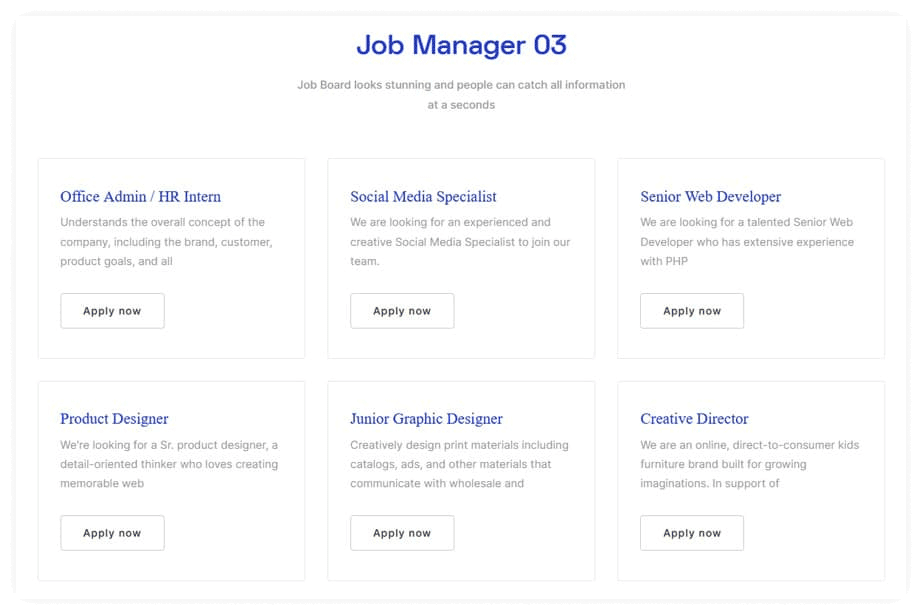
In the style tab, you can change the background, color, typography, and other features of your brand. You can also change the height, width, color, border, and margins with the Job Manager widget from move addons.
This widget allows you to change the area, title, and content parameters, among other things. You can also change the color, typography, and spacing between each listing of meta info, as well as the apply button.
Hover effect, motion effect, transform, and attributes are some of the more advanced capabilities of this widget.
Pricing Plan: HT Mega and Move Addons
Check the pricing table for Move Addons and HT Mega plugins.HT Mega Move Addons 1 Website: $49/year 1 Website: $39/year 5 Websites: $79/Year 5 Websites: $89/Year 999 (Growth Package) Websites: $99/Year Unlimited Websites: $179/Year Buy Now or Check Pricing Plan Buy Now or Check Pricing Plan
Frequently Asked Questions
How do I integrate WP Job Manager with Elementor?
Install both plugins, then use HT Mega or Move Addons widgets to create job listings within Elementor. Simply drag the widget to your page, customize the appearance options, and connect to your existing WP Job Manager listings.
Can I customize the job application forms in Elementor?
Yes, both plugins offer form customization options. You can modify layouts, fields, colors, typography, and styling to match your brand. The built-in tools let you create professional application forms without coding knowledge.
Which plugin is better for job listings?
HT Mega offers five free layouts with basic customization. Move Addons provides three premium styles with advanced options. Choose HT Mega for simple needs or Move Addons for professional features with more styling control.
How to organize multiple job openings effectively?
Use categories, filters, and custom ordering options. Both widgets allow you to group positions by department, location, or job type while implementing pagination to keep your listings organized and easily searchable.
Are these job board plugins mobile-responsive?
Yes, both HT Mega and Move Addons widgets automatically adapt to all screen sizes, ensuring your job listings look professional on desktops, tablets, and mobile devices.
Can I control how many jobs appear?
Yes, both plugins let you set display limits and add pagination. This helps organize listings and improves page load speed while creating a better browsing experience for potential applicants.
Watch the Video About Elementor Job Manager Widget
Conclusion
The Elementor Job Manager widgets from HT Mega and Move Addons transform how businesses display job opportunities on WordPress websites. With multiple layout options, comprehensive customization tools, and user-friendly interfaces, these widgets streamline the entire recruitment process.
Whether you choose HT Mega’s free version with five layout options or Move Addons’ premium solution with advanced styling capabilities, both enhance the job seeking experience for candidates while simplifying management for employers.
Implementing these widgets requires minimal technical knowledge yet delivers professional results. Start building your customized job board today and watch your recruitment process become more efficient and effective.