How to Hire a Shopify Expert: Cost, Checklist, Red Flags & Best Platforms

Deciding to hire a Shopify expert is the easy part. Finding the right one is where most store owners get stuck, or worse, get burned. The market is full of developers with polished profiles, vague portfolios, and wildly different pricing. One bad hire can cost you weeks and thousands of dollars.
This guide cuts through the noise. You’ll learn exactly what a Shopify expert does, how much it should cost, where to find one, what red flags to avoid, and what to confirm before you sign anything.
Quick-Answer Summary
A Shopify expert is a freelancer or agency that specializes in building, customizing, and growing Shopify stores. To hire one: define your project scope, compare platforms (Shopify Experts Marketplace, Upwork, Fiverr), review portfolios and reviews, check for red flags, and confirm the contract details before signing. Costs range from $15–$150/hour for freelancers and $1,000–$10,000+ for full agency projects.
What Is a Shopify Expert?
A Shopify expert is a professional, either a freelancer or an agency, who specializes in Shopify-related services. This can include:
- Store design and theme customization
- Custom app or feature development
- Store migration from WooCommerce, BigCommerce, or other platforms
- SEO and performance optimization
- Email marketing and conversion rate optimization
- Ongoing store management
Not every “Shopify expert” has the same skills. A great designer may be a weak developer. A strong developer may know nothing about SEO. Before you hire, know exactly what kind of help you need.
Do You Actually Need a Shopify Expert?
Shopify is built for non-developers. You can launch a basic store without any technical help. But you likely need an expert if:
- You want a custom design beyond standard themes
- You need functionality that no app currently covers
- You’re migrating from another platform
- Your store has performance or conversion problems you can’t diagnose
- You’re scaling and need systems, integrations, and automation
If you just need a clean store with standard features, a good theme, and a few apps may be enough. Hiring an expert for basic setup is often unnecessary spending.
Shopify Expert Cost: What to Expect in 2026
Pricing varies by task type, location, and experience level. Here’s a realistic breakdown:Task Estimated Cost Basic store setup (theme + products) $300 – $800 Custom theme design $1,500 – $5,000 Custom app or feature development $1,000 – $10,000+ Store migration (e.g., WooCommerce to Shopify) $500 – $3,000 SEO audit and optimization $300 – $1,500 Ongoing monthly management $500 – $2,500/month
Hourly rates by location:
- US/Canada/UK freelancers: $75 – $150/hour
- Eastern Europe: $30 – $75/hour
- South/Southeast Asia: $15 – $40/hour
Cheaper is not always worse — many developers from lower-cost regions produce excellent work. What matters is their portfolio and communication, not their geography.

Bring your ideas to life for $1/month
The future of business is yours to shape. Sign up for a free trial and enjoy 3 months of Shopify for $1/month on select plans.
What Does It Actually Cost to Build a Shopify Store? (Full Picture)
Hiring an expert is only one part of your budget. Before you get quotes, understand the full cost stack so there are no surprises.
Shopify Plan (Monthly Platform Fee)
Shopify charges a recurring monthly fee just to use the platform:Plan Monthly Cost Best For Basic $39/month New or small stores Shopify $105/month Growing stores needing more staff accounts and reports Advanced $399/month Scaling stores needing advanced analytics and lower transaction fees
Most new stores start on Basic. You can upgrade as you grow.
Shopify Theme (One-Time Cost)
Shopify offers free themes, but most serious stores use a premium theme for better design flexibility and performance.
- Free themes: Limited design options, sufficient for simple stores
- Paid themes (Shopify Theme Store): $180 – $350 one-time fee
- Third-party premium themes: Often lower cost with more customization options
A theme is not optional if you care about how your store looks. Your expert will typically work within whatever theme you choose, or help you pick one suited to your niche.
Shopify Apps (Monthly Add-On Costs)
Shopify’s core platform handles the basics, products, checkout, and payments. Everything beyond that usually requires an app. Common paid apps include:
- Email marketing (Klaviyo, Omnisend): $20 – $150/month
- Reviews (Judge.me, Yotpo): Free – $50/month
- Upsells and cross-sells: $20 – $100/month
- Subscriptions (Recharge): $99+/month
- Advanced SEO tools: $20 – $80/month
Most stores run 5–10 apps. Budget $50–$300/month for apps, depending on your needs.
Combined Budget Example
Here’s a realistic total cost for a new store in its first year:Item Estimated Cost Shopify Basic Plan (12 months) ~$468 Premium theme ~$250 Apps (average $100/month) ~$1,200 Expert: store setup + customization ~$800 – $2,000 Total (Year 1) ~$2,700 – $3,900
This is a mid-range estimate. A simple DIY store costs less. A fully custom build with an agency costs significantly more. The point is: your expert fee is one budget line, not the whole picture.
Freelancer vs. Agency: Which Should You Hire?
| Criteria | Freelancer | Agency |
|---|---|---|
| Cost | Lower | Higher |
| Expertise | Usually one specialty | Full team, multiple skills |
| Speed | Slower for large projects | Faster with more resources |
| Best for | Small tasks, tight budgets | Full builds, complex projects |
| Support | Limited, person-dependent | Structured, ongoing |
| Risk | Higher if they disappear | Lower with contracts and teams |
Choose a freelancer for: one-off tasks, small customizations, and limited budgets.
Choose an agency for: full store builds, large migrations, complex integrations, ongoing work where consistency matters.
Some Places to Find Freelance Shopify Experts
ShopiBuffet
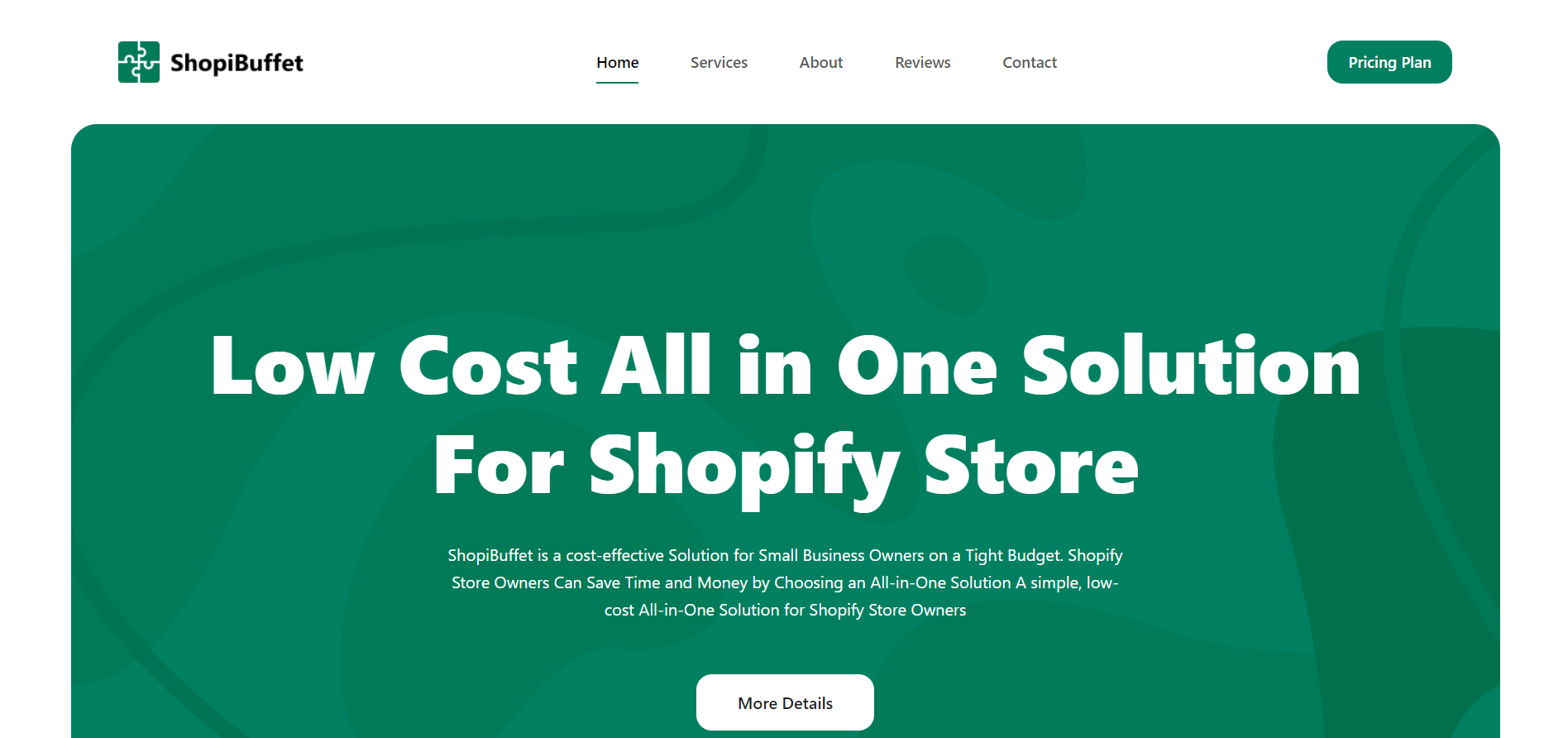
A Shopify-specific service built for store owners who need professional setup without a large budget or a long wait. ShopiBuffet offers fixed-price store setup packages completed within 7 days. Their team handles theme installation, product and collection setup, domain configuration, analytics setup, and more, all included in the package price.
Pricing:
- Basic Plan – $199: Theme install, logo setup, 5 products and collections, 5 blog posts, domain setup, Google Analytics, Facebook Pixel
- Advanced Plan – $399: Everything in Basic plus 10 products and collections, 10 blog posts, legal pages, extended support for 1 month with 5 revisions
They also offer separate development services and ongoing maintenance plans for stores that need work beyond initial setup.
Best for: New store owners who need a clean, professional store launched quickly at a fixed, transparent price.
Shopify Experts Marketplace

The official source. Shopify vets every expert listed here, both freelancers and agencies. You can filter by service type, language, location, and budget range. It’s the safest starting point if you don’t have a personal referral, because every listed expert has been reviewed by Shopify directly.
Best for: Any project size. Especially useful when you want verified credentials without doing your own vetting from scratch.
Fiverr
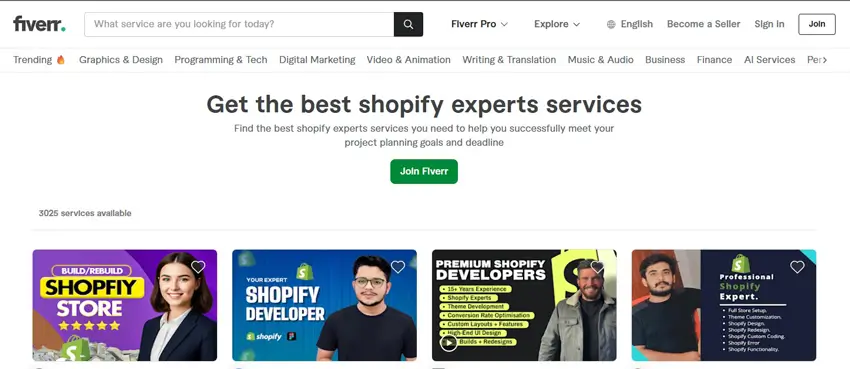
Package-based pricing makes budgeting straightforward. Good for smaller, clearly defined tasks. Best suited for theme tweaks, logo design, speed optimization, or basic store setup. Not the right platform for complex custom development or ongoing work.
Best for: One-off, small-scope tasks with a clear deliverable and a tight budget.
Toptal
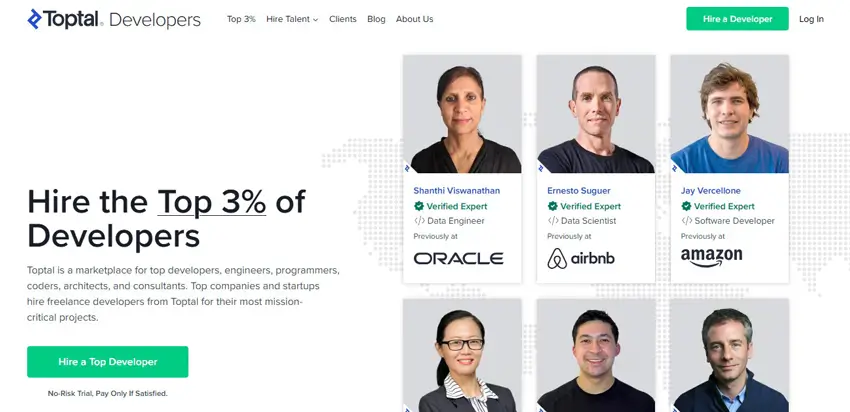
Screens the top 3% of applicants through a rigorous technical vetting process. Significantly more expensive than other platforms, but the quality bar is consistently high. Worth considering when you need senior-level Shopify or custom app development and cannot afford the risk of a weak hire.
Best for: High-stakes projects where quality and reliability matter more than cost.
Grow Your eCommerce Business with Valuable Resources, Tools, and Lead Magnets
- Bring your ideas to life for $1/month
- One platform that lets you sell wherever your customers are—online
- Create a beautiful eCommerce website
- Start for free, then enjoy $1/month for 3 months
- Build your own website in a few steps
- Create a website in minutes easily, secure method
- Turn what you love into what you sell
- Discover the Shopify Point of Sale
- AI Based Business Name Generator
UpWork
UpWork is one of the longest-running freelance platforms. It connects businesses with a global pool of talent.
They have Shopify consultants with a wide range of skills and experience. This makes it easier for businesses to find the right freelancer for their project.
The new application process simplifies your search. You can now easily find and hire the best remote Shopify web developer for your business.
Best for: Mid-range projects where you want to compare multiple candidates, review work history, and negotiate scope directly.
Bring your ideas to life for $1/month
The future of business is yours to shape. Sign up for a free trial and enjoy 3 months of Shopify for $1/month on select plans.
How to Evaluate a Shopify Expert: Step-by-Step
Once you have a shortlist, don’t just go by first impressions.
Step 1: Check Their Portfolio
Look at the actual stores they’ve built. Visit the live URLs. Check:
- Does the design look professional?
- Does the store load quickly?
- Is the mobile experience clean?
- Are the stores in a niche similar to yours?
A developer who has only worked on fashion stores may not be the best fit for a B2B hardware store.
Step 2: Check Reviews on Neutral Platforms
Reviews on their own website are curated; they only show good ones. Check:
- Google Business Profile (for agencies)
- Clutch (for verified client reviews with project details)
- Upwork or Fiverr profile ratings (for freelancers)
- Trustpilot (where applicable)
Look for patterns in the negative reviews. One bad review means little. Three reviews mentioning “missed deadlines” are a clear signal.
Step 3: Test Their Communication Before Hiring
Send them a detailed brief and observe:
- Do they respond within a reasonable time?
- Do they ask good clarifying questions?
- Do they give a vague quote or a thoughtful estimate?
Poor communication before the project almost always gets worse during it.
Step 4: Verify Their Technical Skills
Ask for specific examples relevant to your project. If you need a custom app, ask if they’ve built one before and request to see it. If you need a migration, ask how many they’ve completed and what the most common problems were.
Step 5: Compare Proposals, Not Just Price
Get at least 2-3 proposals. Evaluate:
- How clearly they understood your brief
- Whether they flagged potential challenges
- What’s included vs. what’s extra
- Timeline and milestones
- What happens after launch
The cheapest proposal is rarely the best value.
Red Flags to Watch For
These are warning signs that a Shopify expert may cause problems:
- No portfolio, or a portfolio with broken links: A serious credibility issue
- Cannot explain their process clearly: Vague answers to simple questions are a bad sign
- Quotes without asking questions: They can’t accurately price work they haven’t understood.
- No contract or formal agreement: Never work without one
- Asks for full payment upfront: Legitimate professionals take a deposit (typically 25–50%), not the full amount
- Promises unrealistic timelines: A full custom store in 3 days is a red flag, not a selling point
- No post-launch support plan: Who fixes bugs after go-live?
- Uses someone else’s portfolio: Ask them to walk you through the work and explain the decisions they made. If they can’t, it’s not their work
- Disappears after initial contact: If they’re slow to respond before they have your money, they’ll be worse after.
Questions to Ask Before You Hire
These questions help you filter weak candidates fast:
- Can you show me 2–3 Shopify stores you’ve built that are similar to what I need?
- How do you handle scope changes during the project?
- What does your handover process look like at the end?
- Do you provide any post-launch support, and at what cost?
- Who owns the code and design assets after project completion?
- How do you handle projects where the client’s requirements change mid-way?
- Have you built any custom Shopify apps or integrations? Can you show an example?
- What’s your preferred communication method and response time during a project?
Pre-Hire Checklist
Before signing anything, confirm the following:
- Project scope is written clearly, including all deliverables
- Timeline is agreed on, with defined milestones
- Payment terms are clear (deposit, milestone-based, or final payment)
- Revision policy is defined (how many rounds, what’s in scope)
- You retain full ownership of code, design, and all store assets
- Post-launch support is defined (duration, what’s included, cost if extra)
- Confidentiality and data handling is addressed
- Testing and QA responsibilities are assigned
- A termination clause exists with clear terms
- All credentials and access will be transferred to you at completion.
How to Write a Clear Project Brief
A vague brief produces vague proposals and poor results. A strong brief includes:
- What type of store? Are you building (new build, redesign, migration, or optimization)
- Your niche and target audience (who buys from you and why)
- Specific features you need (custom filtering, subscription billing, multi-currency, etc.)
- Design references (links to stores you like and why you like them)
- Timeline and launch date (is this flexible or fixed?)
- Budget range (being transparent saves both sides time)
- What success looks like for this project
The more specific your brief, the better quality proposals you’ll receive.
Frequently Asked Questions
How much does it cost to hire a Shopify expert?
It depends on what you need. Hourly rates range from $15–$150 depending on the developer’s location and experience. A basic store setup typically costs $300–$800. A fully custom store build from an experienced agency can run $5,000–$15,000 or more. For specific tasks like SEO audits or migration, expect $300–$3,000.
Where is the best place to find a Shopify expert?
The Shopify Experts Marketplace is the safest starting point — every expert listed there has been reviewed by Shopify. Upwork is best for comparing freelancers at different price points. Toptal is worth considering if you need senior-level talent and have the budget. Referrals from other store owners are often the most reliable source of all.
What are the biggest red flags when hiring a Shopify expert?
Watch out for: no real portfolio or a portfolio with dead links, vague pricing with no questions asked, asking for full payment upfront, no contract offered, unrealistically fast timelines, and slow or unclear communication before the project even starts. If they can’t explain their process clearly, walk away.
Should I hire a Shopify freelancer or an agency?
Hire a freelancer for small, clearly defined tasks where budget is the priority. Hire an agency for full store builds, complex projects, migrations, or when you need structured ongoing support. Agencies carry higher cost but lower risk for large projects because they have a full team rather than one person whose availability can change.
Can a Shopify expert help with SEO?
Yes, many Shopify experts specialize in eCommerce SEO. They can help with technical SEO (site speed, schema markup, mobile performance), on-page optimization (meta tags, heading structure, URL setup), and content strategy. Always check their SEO portfolio separately from their development work — not every developer is a strong SEO practitioner.
Do Shopify experts provide post-launch support?
Many do, but the terms vary. Some include a short warranty period (e.g., 30 days of bug fixes). Others charge a separate retainer for ongoing support. Always clarify this before signing. Launching a store and having no one to call when something breaks is a costly mistake.
Final Thoughts
Hiring the right Shopify expert is not about finding the cheapest option or the one with the most impressive pitch. It’s about finding someone whose skills match your specific project, whose communication is clear and reliable, and who works within a proper professional framework.
Define your needs before you search. Evaluate on portfolio, reviews, and communication — not just price. Use the checklist and red flags above to protect yourself before signing. And get everything in writing.
The right expert will save you time, money, and stress. The wrong one will cost you all three.