7 Best WordPress CRM Plugins in 2025

In 2025, finding the best WordPress CRM plugin is crucial for businesses aiming to streamline customer relationship management and enhance user experience. With over 472.2 million websites powered by WordPress, leveraging a robust CRM plugin can dramatically improve client relations and boost conversions.
Did you know businesses using CRM systems see a 29% increase in sales? Whether you’re looking for a free WordPress CRM or a feature-rich premium option, our curated list of the 7 best WordPress CRM plugins in 2025 will help you make an informed decision and optimize your customer management processes effectively.
What Are CRM Plugins?
WordPress CRM plugins are tools designed to help businesses manage interactions with customers and prospects directly from their WordPress site.
WordPress CRM plugins offer features like contact management, sales tracking, and customer service, allowing seamless integration with your website.
With options ranging from free to premium and open-source CRM solutions, these plugins enhance your WordPress site’s functionality, making it a comprehensive platform for managing customer relationships and driving business growth.
They help automate processes, save time, and provide valuable insights for better customer service and marketing.
Why Use a WordPress CRM Plugin?
Even if you don’t use CRM plugins for WordPress, your website will work just fine. However, without a CRM plugin, you might falter in customer service, lose potential leads, and your marketing efforts could fall just short of success.
While your website won’t crash, and your business won’t be ruined, using a WordPress CRM plugin could be the difference between mediocrity and success.
WordPress CRM plugins help you:
- Understand and respond to customer needs promptly
- Gain valuable customer insights for effective decision-making
- Foster an internal company culture of accountability
- Increase revenue and improve customer management
- Connect clients to your social media channels
If CRM is so important, why not use specialized CRM software? When a WordPress plugin is potent enough, there’s no need to spend hundreds or thousands of dollars on standalone software.
A good WordPress CRM plugin can provide all the functionality you need at a fraction of the cost.
Still unsure? Take a look at our top picks for the best WordPress CRM plugins and find your match right here.
7 Top CRM Plugins for WordPress to Consider
Not all CRM plugins are built alike. Not all of them give you detailed insights, automation, control, and ease-of-use at a pocket-friendly rate. But these top CRM plugins are have-it-alls. Check them out.
Jetpack CRM
Unlock the full potential of your business with Jetpack CRM, the ultimate all-in-one WordPress CRM solution. With its comprehensive suite of tools and modular design, Jetpack CRM can be customized to perfectly fit your unique needs.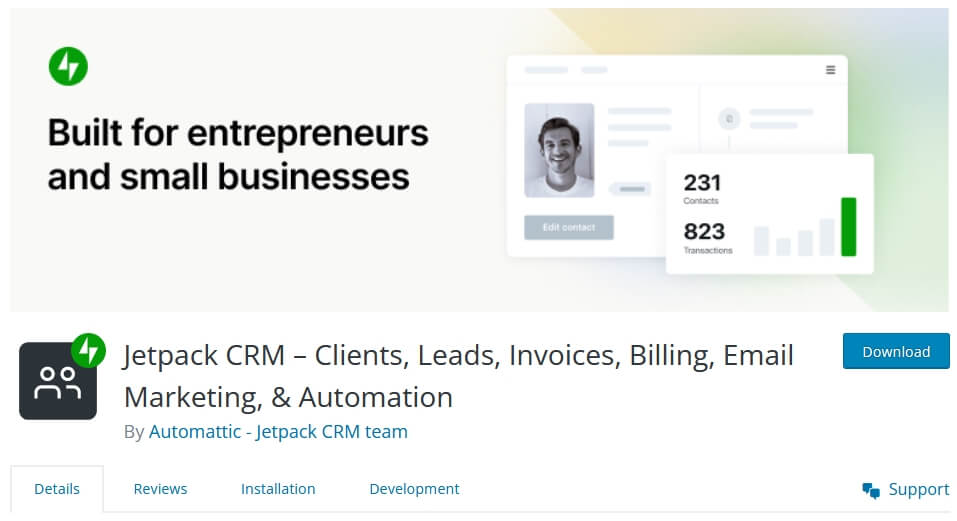
This powerful CRM includes a range of essential plugins, such as an invoice manager, client manager, lead generation tool, billing system, and business transaction manager, among others. Whether you’re a freelancer, entrepreneur, or reseller, Jetpack CRM offers three pro plans tailored to suit your specific requirements.
With both free and pro versions available, Jetpack CRM empowers you to efficiently manage and grow your business while providing a seamless user experience. Experience the power of Jetpack CRM and take your business to new heights of success.
Features:
• Log multiple emails for contacts
• Use the Jetpack CRM API to add contacts.
• Upload files and attach to contacts.
• One stop CRM dashboard.
• Send emails quickly and easily from your CRM.
• Quick Pay URLs save your contacts from logging in.
• Invoice your contacts easily.
• Connect multiple stores to your CRM.
• Store transactions against your contact. Orders, Donations, anything.
FluentCRM
FluentCRM has revolutionized customer relationship management on WordPress. With its superb contact management and contact segmentation functionalities, you’ll get a neatly organized contact database to reach out to with personalized emails.
The plugin also integrates with a wide range of plugins including Fluent Forms, WooCommerce, LearnDash, MemberPress, BuddyBoss, and Easy Digital Downloads. You can use the vendor’s email SMTP plugin to ensure email deliverability and provide informed and efficient support with the Fluent Support plugin.
That said, FluentCRM gives you limitless automation possibilities within WordPress. That too, at just @$129/Year!
What makes FluentCRM a great pick?
- Advanced contact management functionalities
- Easy yet efficient contact segmentation options
- Form integration with popular plugins
- Advanced email campaign management functionalities to ensure maximum efficiency
- Drag and drop visual email builder to craft stunning emails
- Recurring campaigns to automate newsletters and recurring emails
- Visual automation builder with advanced triggers, actions, and conditional logic
- Everything is supported by a granular reporting system to track and optimize effort
- Vendor offers a free SMTP plugin to ensure email deliverability
- Affordable pricing
HubSpot
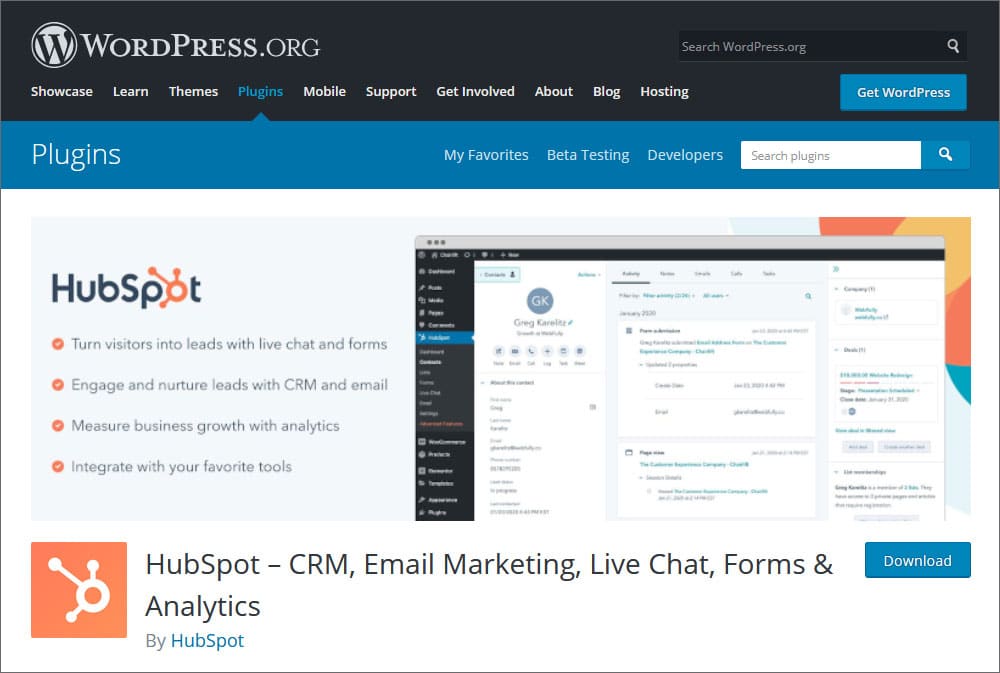
HubSpot has always been a force to reckon with in the digital world. And their free CRM plugin for WordPress is just another proof that with HubSpot, business gets better.
Free forms, live chat, email marketing, contact management, and analytics… you name it, they have it. And all these features are available on one simple plugin, offered at no cost to you.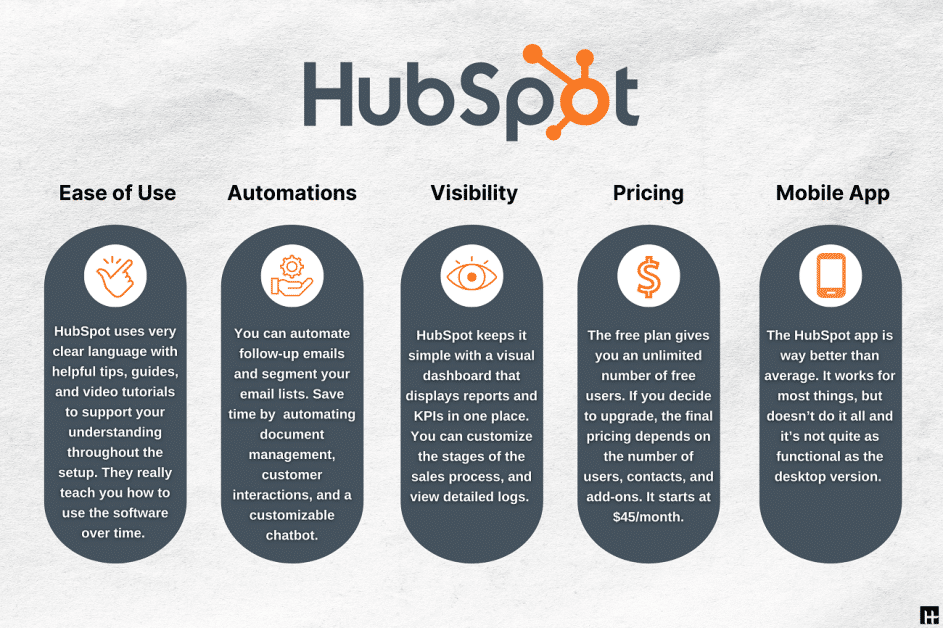
What makes HubSpot CRM a great pick?
- Manage and segment your contact and see what interactions you had with them in the past.
- The drag and drop email builder lets you customize the 20+ premade templates to create stellar emails.
- Send automated emails based on stimuli and with in-built click-through rate tracking.
- Add a 24/7 chatbot to your site to keep your visitors engaged.
- Beautiful forms and pop-ups, which are easy to build.
- Built-in analytics and integration with 750+ third-party apps.
FuseWP
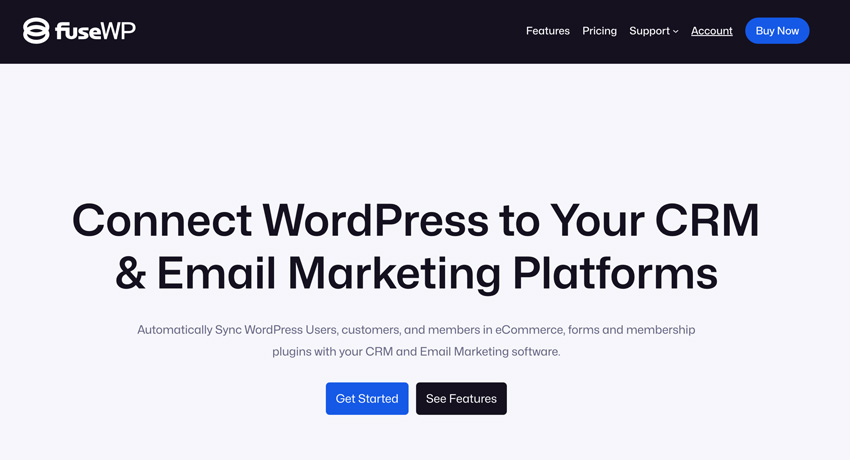
FuseWP is a powerful WordPress plugin that syncs users, customers, and members with popular CRM and email marketing platforms. It automatically updates contact information and manages email subscriptions based on user roles, form submissions, purchased products, subscribed membership levels, and more. It also integrates with various ecommerce, forms, LMS, and membership plugins.
What makes FuseWP a great pick?
- Connects effortlessly with email marketing services like Mailchimp, ActiveCampaign, Zoho, HubSpot, Constant Contact, and more.
- Automatically tags users and updates custom fields based on actions like purchases, form submissions, user registration, course purchases, subscribed memberships, etc.
- Syncs custom user data fields between WordPress and CRMs.
- Ensures user data is instantly updated across platforms.
- Automates optins and list management for targeted campaigns.
- Supports WooCommerce, MemberPress, LearnDash, ProfilePress, Gravity Forms, WP Forms, Tutor LMS, and more.
WP-CRM
WordPress already comes with some in-build user management functionalities. But WP-CRM takes the WordPress CRM game one step ahead. You can create quick contact forms, track incoming shortcode messages and organize your users based on custom attributes. You can also then sort them using filters.
Whether it is customers, affiliates, associates, partners, or vendors, manage them all with WP-CRM.
What makes WP-CRM a great pick?
- Efficient and easy user management, including organization, filtering, and editing.
- Option to add custom user attributes.
- Dynamic charts to present numerical attributes.
- Front-end contact forms.
- Integration with WP invoicing.
- Add-ons that can help enable group messages and notifications.
- Ability to track user activity and take notes.
- Open-source plugin, so it is free to use.
- User-friendly with no learning curve.
WP ERP
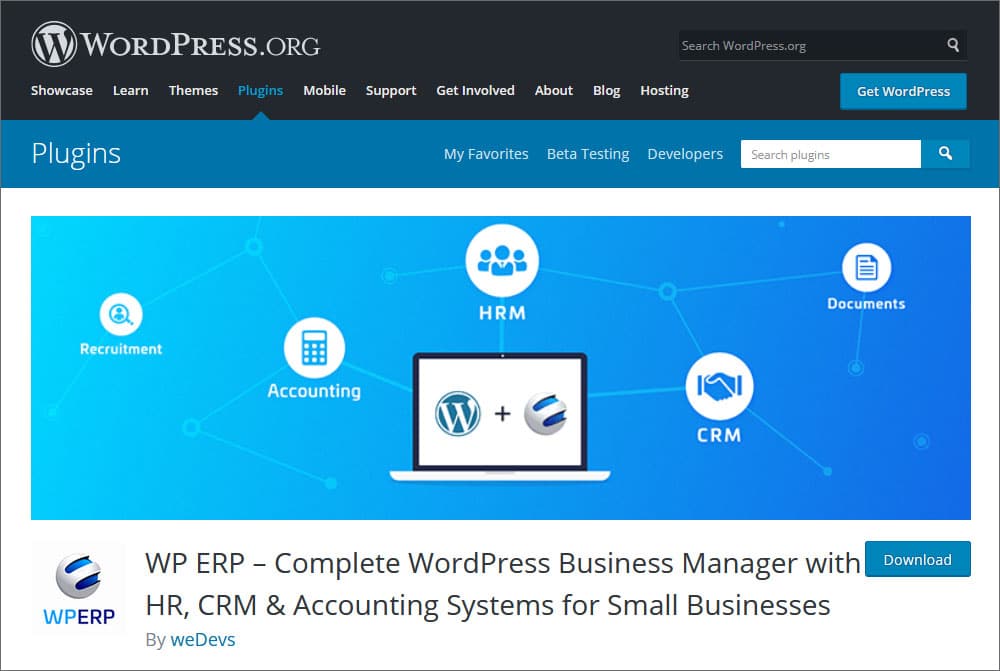
WP ERP is not just a CRM plugin. It is an Enterprise Resource Planning system with CRM, HR, project management, and accounting capabilities. And just like the best free software and plugins, WP ERP helps you deal with not just the core issue but a lot else too.
You can manage your website as well as your business, straight from your WordPress backend.
What makes WP ERP a great pick?
- Multiple benefits can be availed together.
- Extremely beginner-friendly. Comes with a one-click installation.
- Free and paid versions are both available. A free trial is also available.
- Works on Windows, Mac, and Linux.
- Training available in the form of documentation, in-person training, and online tutorials.
- 24/7 live online support
- A reminder system or calendar is available in the CRM module.
- Email marketing is available.
- Task management functionalities.
- Document storage facility.
- Integration with internal chat.
UpiCRM
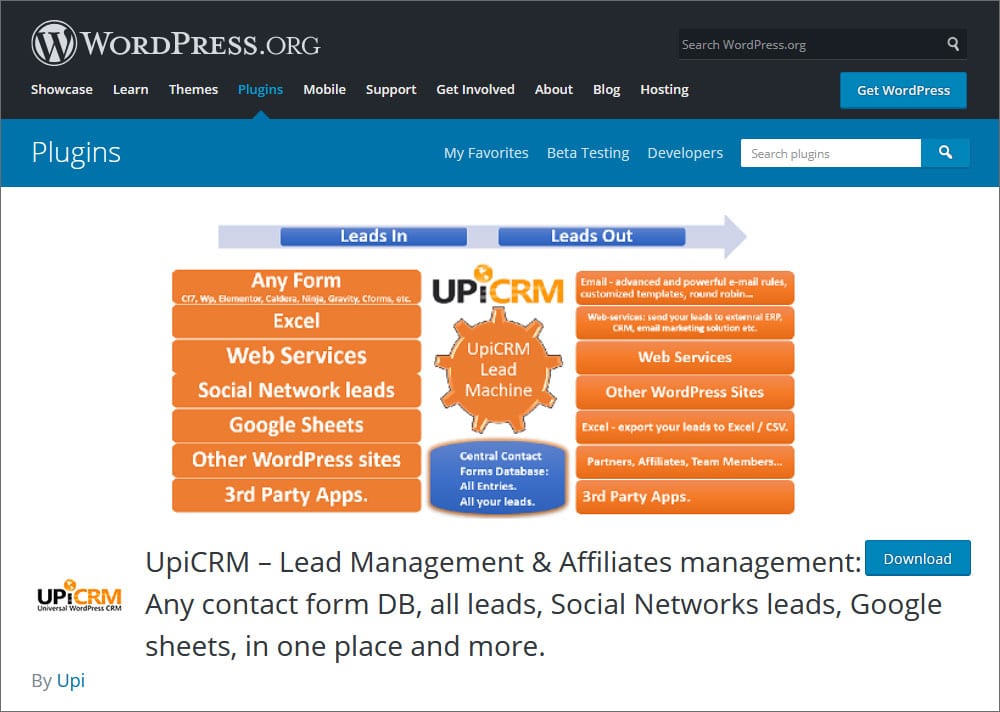
UpiCRM is a plugin that does more than helping you out with CRM. You can use it for lead and affiliate management as well. Plus, you can manage leads from social media too.
It also lets you create a contact form database that accumulates leads from all your contact forms. Want to distribute the leads among your employees? Do that with ease with UpiCRM, which also offers integration with Google Drive and more.
What makes UpiCRM a great pick?
- Generate inbound leads from all contact forms on your website (10+ contact form builders), social media, Google Sheets, or web services.
- Lead sharing option between several sites running on the same UpiCRM server.
- Complete email marketing package. You can customize the templates and automate your email routine.
- Export leads as CSV or Google Sheets.
- Entire lead lifecycle management system.
- Open-source and entirely free plugin.
- Lets you have your entire team on board with team management functionalities.
- UpiCRM dashboard gives you instant insights about lead management and customer relationship management.
Install A Suitable CRM Plugin Today
Decided which CRM plugin to go with? Why are you still waiting?
Well…
How To Install A CRM Plugin?
Installing a CRM plugin in WordPress is as easy as it is to use one.
Follow the steps to get started:
- Step 1: Go to the Add Plugin section from the menu on the left.
- Step 2: Type in the name of the plugin you want to install.
- Step 3: Click on Install Now.
- Step 4: Activate the plugin once it is installed.
- Step 5: Configure the plugin from the settings menu.
And you are done.
Quick and simple, right?
Now, don’t wait anymore. Get started today.
Note: This post was published in collaboration with Lesley Haught.
Watch the video about 5 Best WordPress CRM Plugins in 2025, Free CRM Software Guide Included