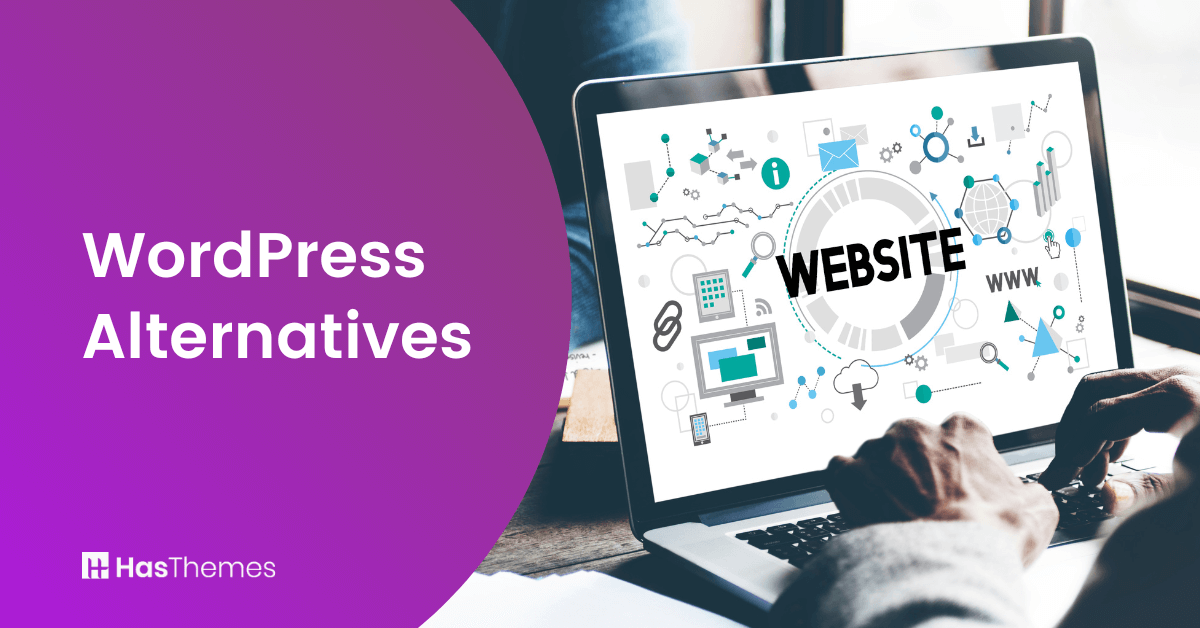
8 WordPress Alternatives to Consider for Your Website

WordPress is one of the most popular content management systems (CMS), powering over 43% of all websites worldwide. However, it’s not the only option for building a website, and many website owners seek WordPress alternatives to meet specific needs.
In fact, businesses and bloggers increasingly explore top alternatives to WordPress for building their website to find platforms that are faster, more secure, or easier to customize.
In this article, we will discuss 8 WordPress alternatives that you may want to consider for your website. Each of these options has its own strengths and weaknesses, so be sure to research them thoroughly before making a decision.
Key Takeaways
- Understand the strengths and weaknesses of WordPress and why some users explore WordPress blog alternatives.
- Explore top alternatives to WordPress for building your website, including both open-source and commercial platforms.
- Compare WP alternatives in terms of pricing, ease of use, and technical requirements for your project.
- Identify WordPress alternatives suitable for blogs, businesses, and eCommerce websites.
- Evaluate WordPress alternative CMS platforms and websites, such as WordPress, for customization and scalability.
- Decide which platform aligns with your long-term goals, security needs, and growth plans.
What is WordPress, and Why Might You Want to Consider an Alternative?
WordPress is a content management system (CMS) that enables users to create and manage websites or blogs. It is free and open-source software released under the GPL.
It is used by millions of websites and is the most popular CMS in use today. While WordPress is a great platform, it may not be the best option for everyone.
There are a few things to consider before choosing WordPress as your platform.
- First, WordPress is a self-hosted platform, which means you will need to purchase web hosting and a domain name.
- Second, WordPress can be complex to use, and you may need to hire a developer or designer to help with setup and customization.
- Finally, because WordPress is so popular, it is often a target for hackers.
If security is a concern, you may want to explore WordPress blog alternatives or WP alternatives that offer stronger built-in protections. If you are looking for alternatives for WordPress or WP alternatives, there are several options that offer simpler setups and better security out of the box.
Some platforms serve as a WordPress replacement for blogs or business sites, while others are WordPress alternative CMS solutions designed for specific needs.
For those seeking open-source flexibility, WordPress alternatives open source can provide similar freedom with fewer complexities. Exploring websites like WordPress can help you find the right fit for your project.
Overall, WordPress is a great option for many users, but it is important to do your research before making a decision.
What are the Benefits of WordPress Compared to Other Options?
WordPress is a popular content management system (CMS) that offers a number of advantages over other CMS options.
- First, WordPress is open-source software, which means it is free to use and modify. This makes it an attractive option for businesses with limited budgets.
- Second, WordPress is relatively easy to use, even for beginners. This is partly due to its intuitive design and user-friendly interface.
- Third, WordPress is highly customizable, allowing users to change the look and feel of their website with themes and plugins.
- Ultimately, WordPress is supported by a vast community of developers who continually work to enhance the software.
As a result, WordPress websites are typically more reliable and secure than those built with other CMS platforms.
WordPress Alternatives
Explore powerful WordPress alternatives that offer unique features, simplified workflows, and enhanced security for your website. Discover CMS options and WP alternatives that can serve as a suitable WordPress replacement for blogs, businesses, or online stores.
HubSpot
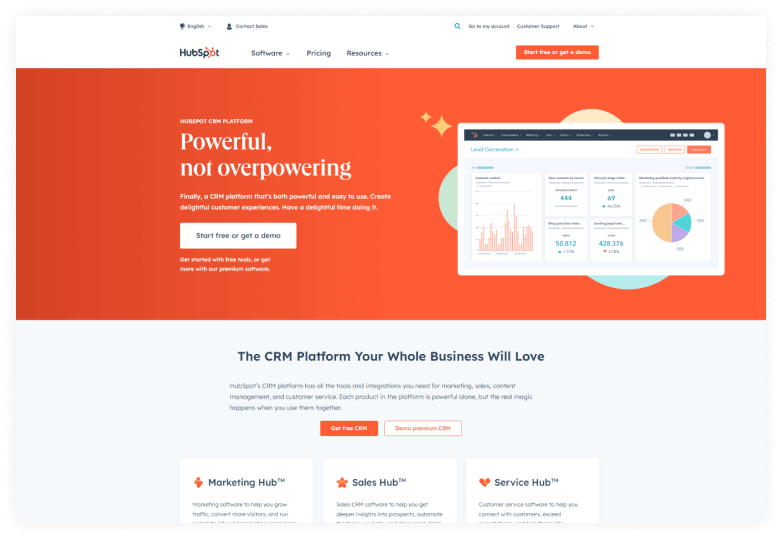
If you’re looking for an easy-to-use WordPress alternative, HubSpot CMS is a great option. HubSpot CMS enables businesses to manage their website and blog content effectively, making it easy to publish and update content.
And because HubSpot CMS is built on the HubSpot platform, you can easily connect your website to other HubSpot tools, such as marketing automation and CRM.
HubSpot’s CMS provides an alternative to WordPress that is easy to use and packed with features to help businesses reach their online goals. One of the key advantages of HubSpot’s CMS is its intuitive interface.
HubSpot’s drag-and-drop editor makes it easy to add and update content, and the built-in tools help you optimize your content for search engines and track your results. This CMS also integrates with HubSpot’s marketing and sales tools, so you can easily track your leads and customers.
Moreover, this CMS can easily be upgraded to meet your changing needs as your business grows. Additionally, HubSpot CMS provides a range of pre-built templates and themes, making it easy to create a professional-looking website.
Key Features
- CMS Developer Sandbox
- Multi-language
- Content Staging
- HubSpot APIs
- Membership
Pricing
HubSpot offers users three different plans
- Starter: $23/month
- Professional: $360/month
- Enterprise: $1200/month
Webflow
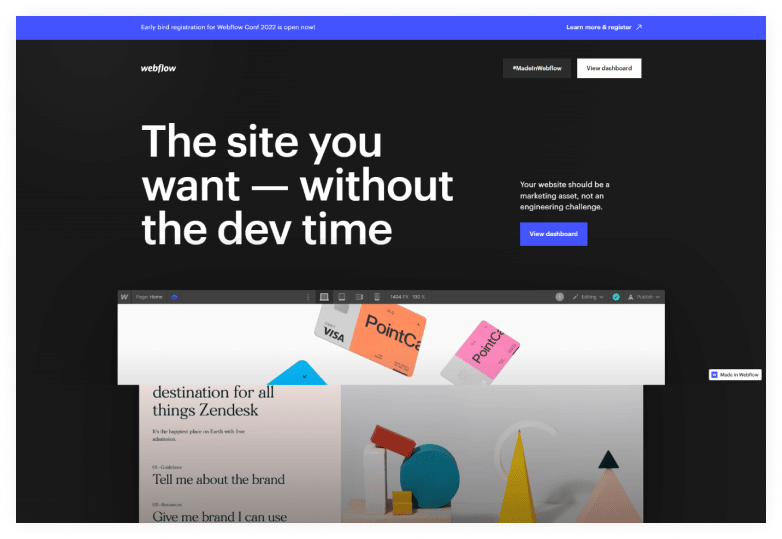
Webflow is a WordPress alternative that enables users to create responsive websites without having to write code. With Webflow, you can use a visual drag-and-drop interface to build your site, and a wide range of built-in templates and components are available for customization to meet your specific needs.
Plus, if you do have coding skills, you can take advantage of Webflow’s advanced features to really make your site stand out.
You can create any type of website you can think of using HTML, CSS, and JavaScript with the Webflow Designer. Additionally, the visual canvas makes it simple to visualize how your website will appear as you construct it.
One of the biggest advantages of Webflow is the wealth of resources that are available to users. For example, Webflow University is a great starting point, offering both video and text tutorials that cover all aspects of the platform. Additionally, responsive website templates are available for designers, businesses, and personal use.
With numerous options available, it’s easy to find the ideal template for your specific needs. And because all of the templates are fully customizable, you can make sure your website looks exactly the way you want it to.
Key Features
- Global swatches
- Blazing-fast load times
- 100+ responsive website templates
- 3D transforms and animations-
- CMS API
Pricing
- Basic plan: $12 per month
- CMS: $16 per month
- Business: $36 per month
- Enterprise: tailored to your requirements
Shopify
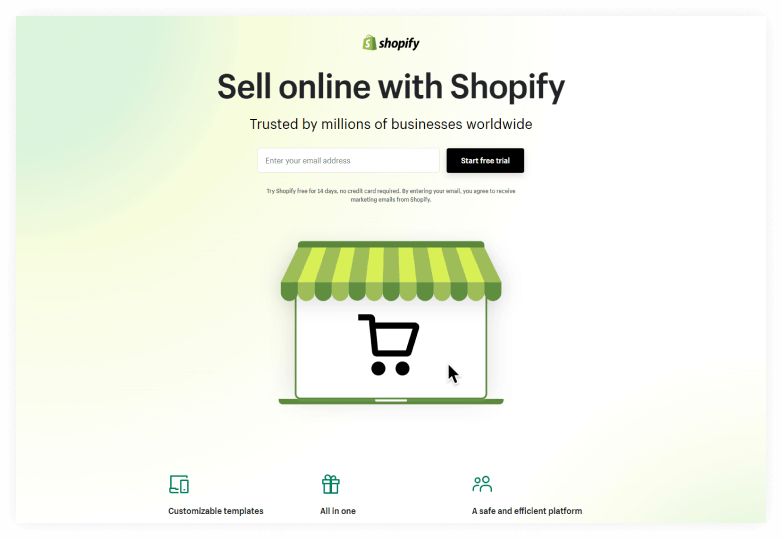
Shopify is the platform for entrepreneurs to start and grow their businesses. It gives you everything you need to create a beautiful online store, from customizable templates to a powerful Shopify checkout. It also helps you stay connected with your customers, no matter where they are, whether they’re shopping in person or online.
With Shopify, you can manage inventory, track payments, and view real-time business insights from a single dashboard. Shopify also enables you to create a professional online store, which is crucial for success in today’s digital landscape. With Shopify, you can focus on building your business without worrying about technical details.
With Shopify’s built-in marketing tools, social integrations, and sales channels, you can reach customers anywhere and sell your products with ease.
So whether you’re just getting started or ready to take your business to the next level, Shopify is the platform for you.
Key Features
- Email marketing
- Marketing automation
- Wholesale marketplace
- Custom storefront tools
- Sales Channels
Pricing
Shopify offers users two different plans-
Yearly-
- Basic: $14.44/month
- Shopify: $39.44/month
- Advanced: $147.78/month
Monthly-
- Basic: $29/month
- Shopify: $79/month
- Advanced: $299/month

Bring your ideas to life for $1/month
The future of business is yours to shape. Sign up for a free trial and enjoy 3 months of Shopify for $1/month on select plans.
Squarespace

The all-in-one platform for creating a stunning web presence is Squarespace. Create a website, blog, or online store using Squarespace. The simplest option for selling online is with Squarespace, which offers robust eCommerce capabilities and customizable templates. Award-winning customer service from Squarespace is accessible around the clock for any queries you might have.
Squarespace offers website templates for every purpose, from businesses to blogs and everything in between. This is the ideal platform for anyone seeking to create a professional-looking website with minimal to no prior experience.
Squarespace’s drag-and-drop builder makes it easy to customize your site to fit your unique style and needs. And Squarespace’s 24/7 customer support is always there to help you along the way.
Squarespace enables you to create email campaigns that accurately reflect your brand identity. You can easily integrate your site’s styles, products, and blog posts, ensuring your communications always feel on-brand. This can save you a lot of time and effort, as you won’t need to create separate campaigns for each element.
Key Features
- Award-winning templates
- Website Analytics
- Enterprise solution
- Email marketing
- SEO tools
Pricing
Squarespace offers users two different plans-
Annual-
- Personal: $16/month
- Business: $23/month
- Basic Commerce: $27/month
- Advanced Commerce: $49/month
Monthly-
- Personal: $23/month
- Business: $33/month
- Basic Commerce: $36/month
- Advanced Commerce: $65/month
Joomla
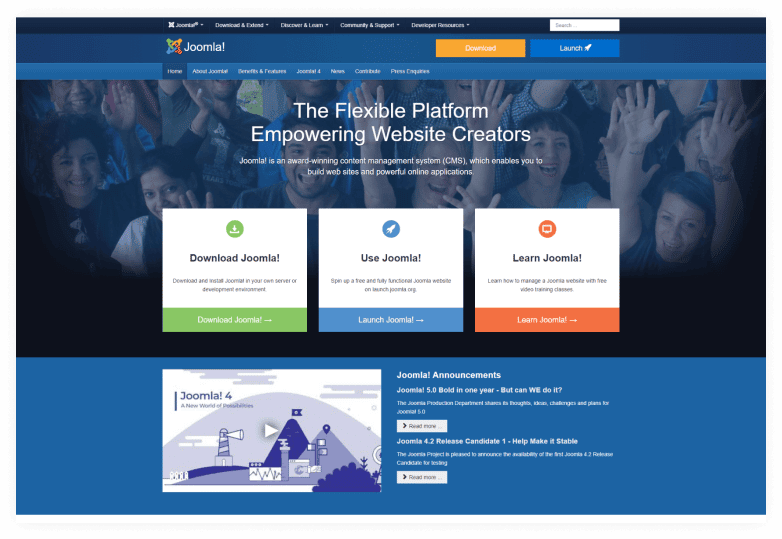
Joomla is a WordPress alternative that offers a flexible platform empowering website creators. With this platform, you can build anything from a simple blog to a complex eCommerce site.
It is open-source, meaning it can be easily customized to meet your specific needs. In addition, Joomla offers a wide range of features and plugins, making it a powerful and versatile platform.
One of the things that makes Joomla so powerful is the ability to extend and customize the functionality of your site through the use of extensions and templates.
There are thousands of free extensions and templates available for Joomla, allowing you to easily find ones that meet your specific needs. Joomla is search engine-friendly and mobile-friendly, making it easy for people to find and use your site, regardless of the device they are using.
This multilingual content management system (CMS) supports an unlimited number of users with different levels of permission. Joomla makes it easy to manage your website’s content in multiple languages while allowing you to control who can access and edit your site’s content.
With Joomla, you can create a user-friendly, responsive website that is accessible to everyone.
Key Features
- Search Engine Friendly
- Mobile Friendly
- Unlimited Design
- Multilingual
- Flexible & Fully Extensible
- Multi-User Permission Levels
Pricing
Joomla offers one pricing plan
- Basic plan: $199
Drupal
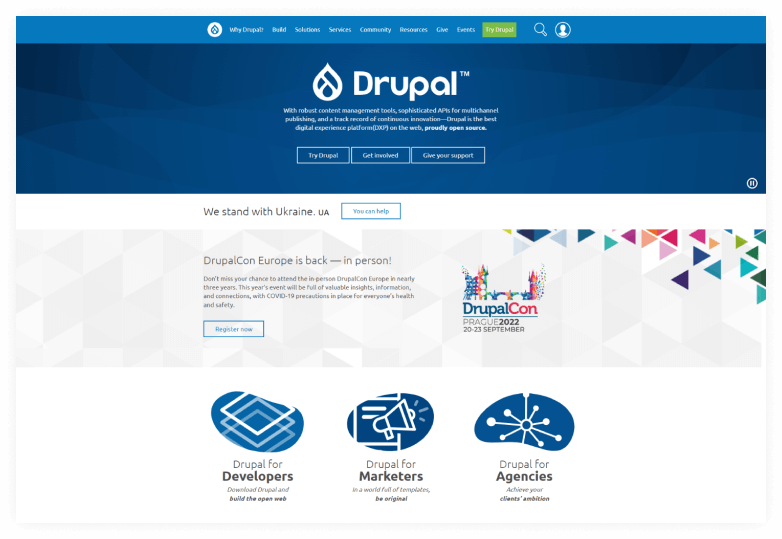
Drupal is an open-source content management system (CMS) that offers a robust set of features and tools for building digital experiences. It is a WordPress alternative that is widely used by enterprises and organizations for its multichannel publishing capabilities, flexible APIs, and continuous innovation. This has been powering some of the largest and most complex websites in the world for over a decade.
With Drupal, marketers can design incredible experiences without being constrained by glitches or delays. As a result, businesses can manage a swift and adaptable staff that can capitalize on new opportunities and quickly adapt to changing needs.
Speed is crucial for digital-first firms, and Drupal is the platform that enables them to move swiftly and achieve their objectives.
Drupal has a wide array of features that make it an ideal choice for managing digital experiences, including security, multilingual support, performance and scaling, and personalization.
Drupal is also an open-source project with a large community of contributors who continually work to improve the software. As a result, Drupal is a great choice for organizations seeking a high-performing CMS that is both affordable and easy to use.
Key Features
- Marketing Automation
- Content as Service
- Multi-language
- Personalization
Wix
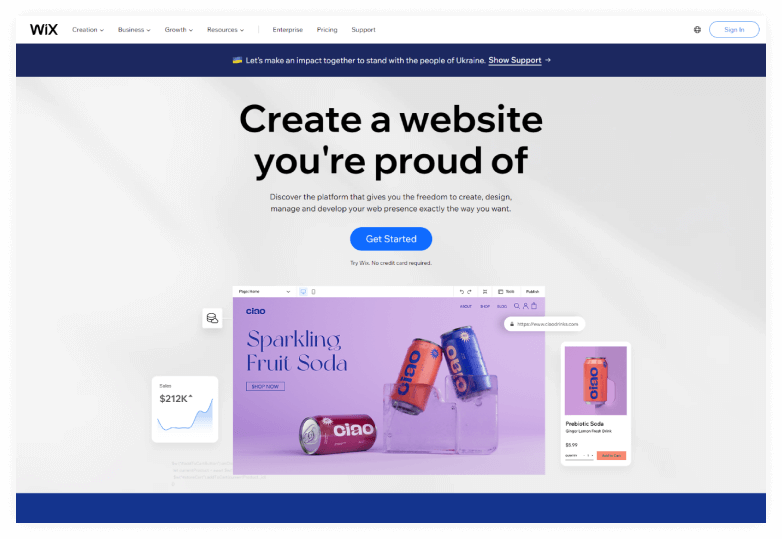
Wix is a website-building platform that enables users to design and build their own high-quality websites. With Wix, you can create a website for your business, showcase your work, open a store, or start a blog. It is easy to use and offers a range of features that enable you to create a professional-looking website.
You can pick from a variety of templates and customize anything to suit your needs. Or, if you prefer, you can answer a few questions and let Wix create a website for you.
In either case, adding advanced features is easy. You can start your own blog, add an online store, or even accept bookings online. As your business grows, you can always add more features to your website. 
You can also personalize your mobile view even further by adding or removing elements, adjusting the layout, or selecting different colors and fonts. To ensure your site is visible to search engines, answer a few key questions about your website, location, and keywords. This will help you create a personalized SEO plan that will increase your online visibility.
Key Features
- Stunning Templates
- Total Design Freedom
- Advanced SEO Tools
- Mobile Optimized
- Advanced Design Features
- Scroll Effects
Pricing
- VIP: $24/month
- Unlimited: $12/month
- Combo: $8/month
- Connect Domain: $4/month
Weebly
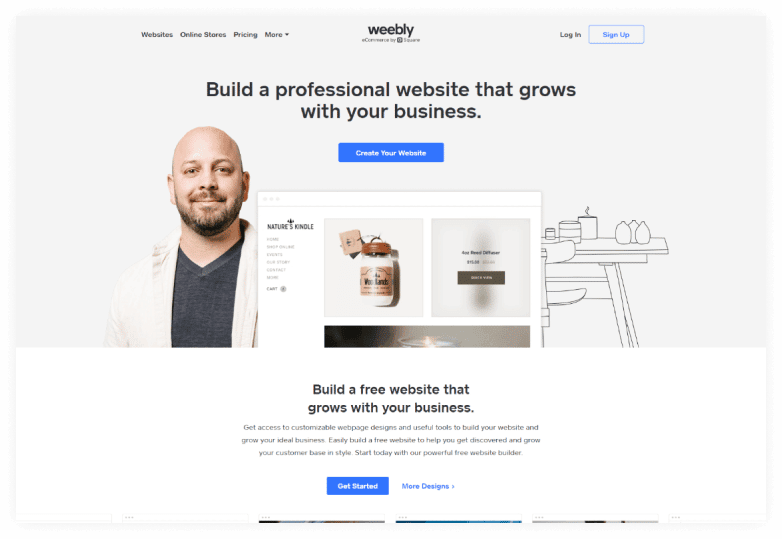
Weebly is an online platform that is a powerful and easy-to-use website builder. It can help you build a free website that grows with your business. With Weebly, you can choose from a variety of customizable webpage designs and use powerful tools to build your website and grow your customer base.
Weebly is free to use and makes it easy to get started building your dream website today. It provides a platform for businesses to establish their online presence, and Square handles the payments, allowing businesses to focus on what they do best.
With this partnership, businesses have everything they need to succeed in today’s digital world. Weebly + Square is the perfect solution for businesses of all sizes.
Weebly’s Customer Success team is here to help with any questions, big or small. Whether you’re just getting started with Weebly’s free website builder or you’re looking for some tips on business growth, they’re here for you.
You can reach out to us via email, chat, or phone, and Weebly will be more than happy to help you out. So don’t hesitate to reach out if you need a little assistance.
Key Features
- Weebly themes
- E-commerce upgrade
- Various apps and integrations
- Drag and drop design
- Fast page loading times
Pricing
- Free: $0
- Connect: $5/month
- Pro: $12/month
- Business: $25/month
Grow Your eCommerce Business with Valuable Resources, Tools, and Lead Magnets
- Bring your ideas to life for $1/month
- One platform that lets you sell wherever your customers are—online
- Create a beautiful eCommerce website
- Start for free, then enjoy $1/month for 3 months
- Build your own website in a few steps
- Create a website in minutes easily, secure method
- Turn what you love into what you sell
- Discover the Shopify Point of Sale
- AI Based Business Name Generator
How Do You Decide Which Platform is Right for You?
When selecting a website platform, several key factors should be considered. WordPress is one of the most popular options, but it’s not the only option. There are several WordPress alternatives available, each with its own advantages and disadvantages. So how do you pick the best platform for you?
One of the most important things to consider is your budget. WordPress is a free platform, but to access certain features or plugins, you may need to upgrade to a paid plan.
Some WordPress alternatives are also free, but others may require a monthly subscription fee. It’s important to compare pricing plans and features before making a decision.
Another thing to consider is your level of technical expertise. WordPress is relatively user-friendly, but some WordPress alternatives can be more complex. If you’re not comfortable working with code or don’t have someone on your team who can help manage your website, WordPress might be a better option.
On the other hand, if you’re comfortable working with code or have someone on your team who can help, a WordPress alternative might be a better fit.
Finally, consider your long-term objectives for your website. If you plan to regularly add new content or expand your website in the future, WordPress could be a good choice. However, if you’re not planning on making any major changes, a WordPress alternative might be a better fit.
There’s no one-size-fits-all answer when it comes to choosing a website platform. The best way to decide is to weigh your options carefully and choose the platform that best meets your needs.
Comparison Table
| Template Name | Mobile Friendly? | Price |
| HubSpot | Yes | Starter: $23/month Professional: $360/month Enterprise: $1200/month |
| Webflow | Yes | Basic plan: $12 per month CMS: $16 per month Business: $36 per month Enterprise: tailored to your requirements |
| Joomla | Yes | Basic plan: $199 |
| Drupal | Yes | Free |
| Shopify | Yes | Yearly – Basic: $14.44/month Shopify: $39.44/month Advanced: $147.78/month Monthly – Basic: $29/month Shopify: $79/month Advanced: $299/month |
| Wix | Yes | VIP: $24/month Unlimited: $12/month Combo: $8/month Connect Domain: $4/month |
| Weebly | Yes | Free: $0 Connect: $5/month Pro: $12/month Business: $25/month |
| Squarespace | Yes | Annual – Personal: $16/month Business: $23/month Basic Commerce: $27/month Advanced Commerce: $49/month Monthly – Personal: $23/month Business: $33/month Basic Commerce: $36/month Advanced Commerce: $65/month |
Watch the video about 5 WordPress Alternatives Websites
Final Thoughts on WordPress Alternatives
There are a variety of WordPress alternatives available, each with its own unique set of features and benefits. If you’re looking for a platform that offers more flexibility and customizability than WordPress, one of these alternatives may be a good fit for you.
However, it’s important to carefully consider your needs before making a decision. Be sure to weigh the pros and cons of each option, and choose the platform that best meets your needs. With so many options available, you’re sure to find the perfect WordPress alternative for your website or blog.