Elementor Info Box Widget

Are you looking to enhance your website’s content and engage visitors more effectively?
Research shows that 85% of shoppers rely heavily on product information when making purchasing decisions. That’s where the Elementor Info Box Widget comes in.
The Elementor Info Box Widget is a powerful tool that allows you to add visually appealing information boxes to any post or page on your WordPress site.
Whether you’re highlighting key features, showcasing services, or emphasizing important content, this widget helps you present information in an organized and engaging way.
What makes it even better? The Info Box WordPress Widget is incredibly user-friendly. With Elementor’s intuitive drag-and-drop interface, you can create and customize beautiful info boxes in minutes.
Let’s explore how you can use this versatile tool to enhance your content and deliver more value to your readers.
Key Takeaways
- Discover how to create mobile-friendly info boxes that engage your visitors
- Understand what the Elementor Info Box widget is and how it can enhance your website’s information display
- Explore the customization options available through HT Mega and Move Addons plugins.
- Compare pricing plans and features of different Info Box widget providers
- Learn about the various styling options, including hover effects, animations, and layout choices
What is Elementor Info Box Widget
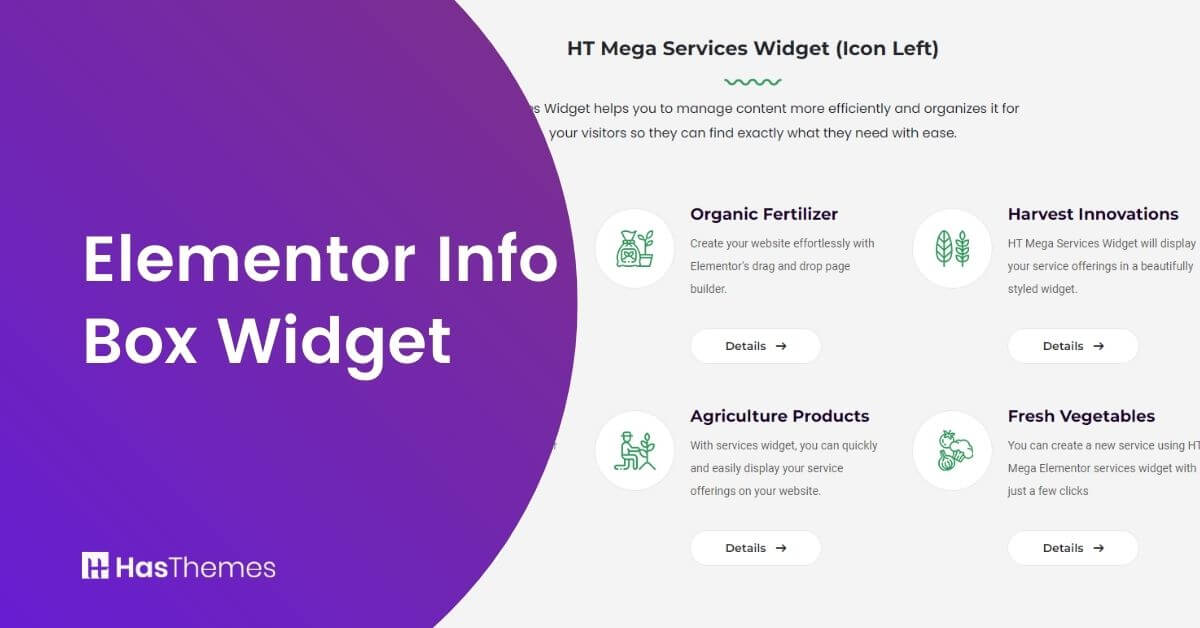
The Elementor Info Box Widget is a powerful tool designed to display important information about your website, products, services, and more. It’s an effective way to provide concise information or highlight key features of your business.
Whether you want to display a simple message or share important details, the Info Box Widget makes it easy to do. You can control the size and alignment of your info box, ensuring it looks great anywhere on your page.
Why Use Elementor Info Box Widget
Many websites struggle with cluttered layouts that combine text, links, and graphics. The Info Box widget helps you maintain a clean, simplified website design while effectively organizing your content.
The Info Box presents vital information about your products or services in a clear, structured format. With its mobile-friendly design, your customers can easily navigate and access information across all devices.
With intuitive customization options, you can create engaging info boxes that capture viewer attention. By incorporating interactive links within the box, you can guide visitors through your site and encourage them to discover more about your offerings.
Key Benefits of the Elementor Info Box Widget:
- Visual Impact: Create professional layouts that naturally draw attention to your most important content.
- Conversion Focus: Strategically place call-to-action buttons to improve user engagement and conversion rates.
- Design Flexibility: Customize every aspect of your info boxes to match your brand’s visual identity.
- Quick Implementation: Create and edit info boxes instantly with the drag-and-drop interface, no coding required.
Elementor Info Box Widget by HT Mega
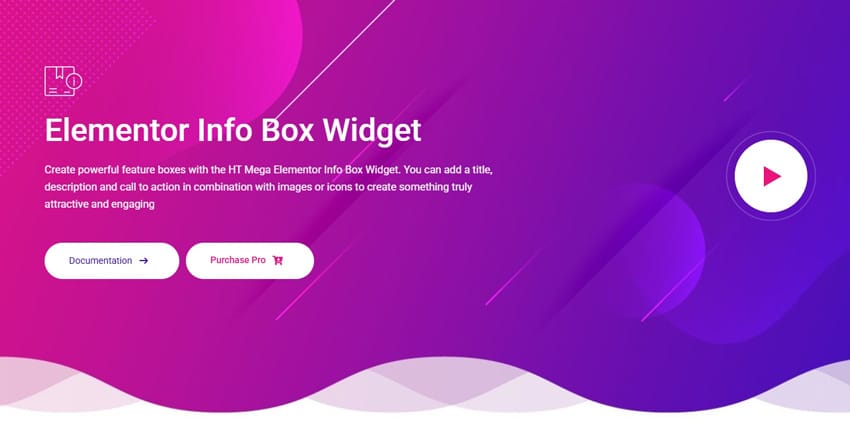
The Info Box Widget by HT Mega allows users to create visually appealing and interactive feature boxes in Elementor. It enables users to add titles, descriptions, images, icons, and call-to-action buttons to showcase key information.
The widget provides multiple customization options, allowing users to modify the size, design, colors, typography, and backgrounds to match their website’s branding. With its fully responsive design, the Info Box Widget ensures a seamless experience across all devices.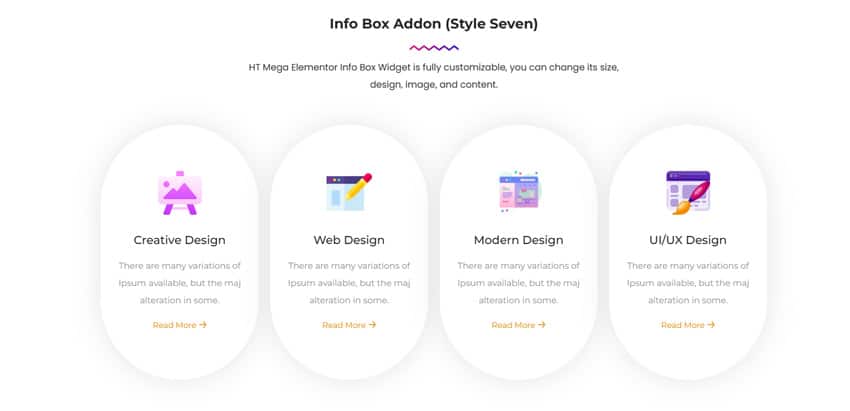
This widget offers 9 different styles, each with unique layouts and design structures, making it easy to create engaging and informative sections on web pages. Users can customize hover effects, animations, and interactive elements to enhance user engagement.
The widget’s flexibility allows businesses to easily create feature boxes for services, promotions, or product highlights. With its prebuilt templates and easy integration with Elementor, the HT Mega Info Box Widget simplifies content presentation while maintaining a professional look
Elementor Info Box Widget by Move Addons
The Elementor info box widget from Move Addons is another perfect way to add engaging and informative boxes to your website. It is a versatile tool for adding engaging and informative boxes to your website. Available in the free version of Move Addons, it offers two styles to choose from and allows the use of images, icons, or text icons.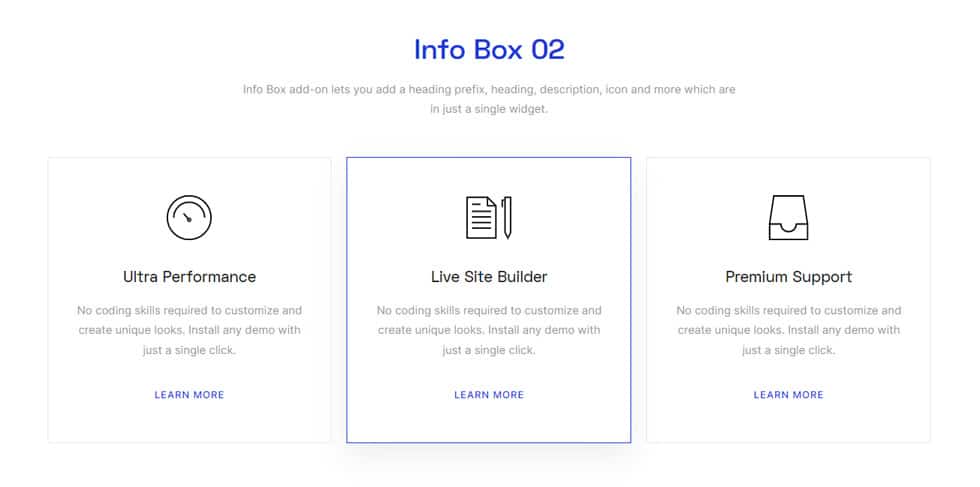
Users can add titles, descriptions, button links, and button text, with the option to customize link tags. Additionally, the widget supports animations for titles, icons, and descriptions, and provides extensive customization options for margins, alignment, borders, background types, and typography. The advanced style panel offers even more options for fine-tuning the appearance of the info boxes.
Alternative Elementor Widgets for Information Display
While the Elementor Info Box Widget is excellent for displaying key information, Elementor’s ecosystem offers several other widgets that might suit specific needs:
Elementor Service Widget by HT Mega
HT Mega Service Widget is a premium widget that is ideal when you need to showcase multiple services in a structured format. It enables you to create attractive and functional boxes to showcase your services on your website. This versatile widget offers seven different layout styles to choose from, giving you extensive design flexibility. 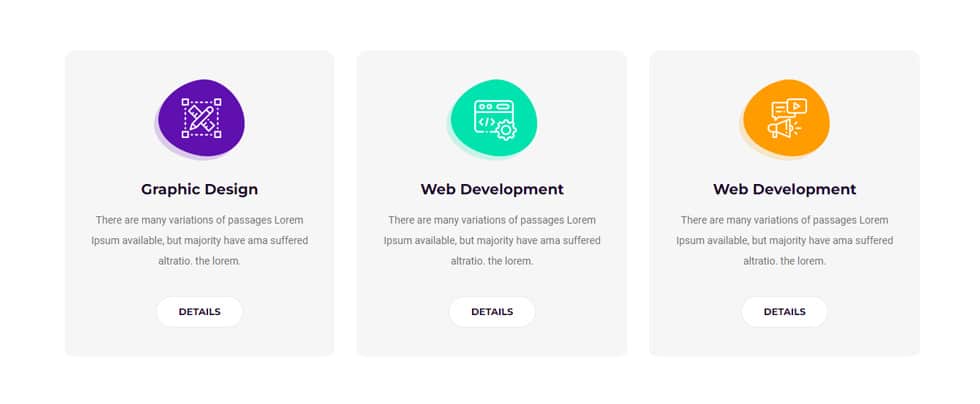
The style tab provides extensive customization options, allowing you to create unique service boxes that align perfectly with your website’s design. Whether you’re showcasing professional services, product features, or team capabilities, the HT Mega Service Widget offers the flexibility to present your content effectively.
Pricing Plan: HT Mega and Move Addons
Check the pricing table for Move Addons and HT Mega plugins.HT Mega Move Addons 1 Website: $49/year 1 Website: $39/year 5 Websites: $79/Year 5 Websites: $89/Year 999 (Growth Package) Websites: $99/Year Unlimited Websites: $179/Year Buy Now or Check Pricing Plan Buy Now or Check Pricing Plan
Watch the video about Elementor Info Box Widget
Frequently Asked Questions
What is the Elementor Info Box widget used for?
The Elementor Info Box widget helps you add engaging, informative boxes to display key details about your products, services, or content directly on your website, enhancing the user experience.
Can I customize the Info Box widget with Elementor?
Yes! The Info Box widget is fully customizable. You can adjust the size, style, colors, typography, and even add hover effects to match your website’s design.
Is the Elementor Info Box widget free to use?
Yes, both the HT Mega and Move Addons Elementor Info Box widgets offer free versions with basic customization options. Advanced features may require a paid version.
How do I add links within the Info Box?
You can easily add clickable links within the Info Box widget to direct users to specific pages or products, helping to improve navigation and engagement.
What styling options are available with this widget?
The widget offers various customization options, such as adjusting the margin, alignment, border, background type, hover effects, and typography, allowing for a personalized look.
Is the Info Box widget mobile-friendly?
Yes, the Elementor Info Box widget is fully responsive and will adjust automatically to ensure a seamless viewing experience on all device types, including mobile and tablet.
Conclusion
The Elementor Info Box widget is a great way to add extra information to your pages without taking up too much space. This excellent and handy widget can be added in just a few clicks. It’s perfect for adding extra product details, contact information, or even testimonials
Additionally, this HTML Info box widget comes with several customization options so you can make it look exactly the way you want. Give the Elementor Info Box widget a try today and see how it can help you improve your WordPress website’s usability and appearance.