Elementor Brand Widget: The Best Options for Showcasing Brand Logos

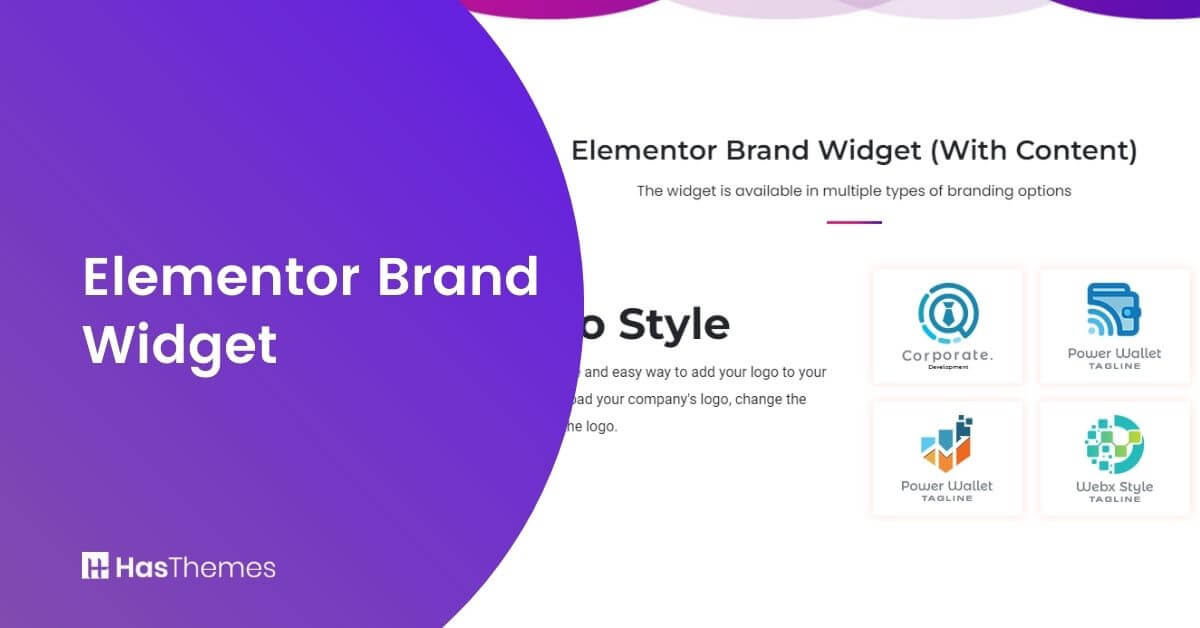
Looking to showcase brand logos on your WordPress website? The Elementor brand widget makes it easy. This widget allows you to display company logos anywhere on your site while offering full customization over colors, fonts, and layout.
Whether you’re highlighting partners, sponsors, or affiliates, this widget helps reinforce credibility and brand trust. With the limitless customization options, this widget will fit any need you may have.
Key Takeaways:
- Understand the importance of brand logos.
- Get insights into how this widget helps you showcase brand logos effortlessly.
- Explore customization options to match your website’s design.
- Learn about the features of HT Mega and Move Addons to choose the best option for your needs.
- See how adding brand logos can improve user confidence and potentially increase conversions.
- Learn the pricing details of using HT Mega and Move Addons for adding brand logos to your Elementor site.
What is Elementor Brand Widget
The Elementor brand Widget is a useful widget to show your brand logo without any hassle. The Elementor brand widget is a valuable addition to any website. It lets you feature other brands and businesses on your site, especially if they are affiliates or partners who share your beliefs. Displaying trademarks from trusted partners enhances the brand value by making them appear more trustworthy in general.
Why Use A Brand Widget?
As an online business, it’s important to think about how your website can best represent your brand. The most effective way to do this is through the use of a brand widget.
Research indicates that customer logos are among the most common and effective trust signals, as they showcase reputable brands you’ve worked with. Your website’s design plays a crucial role in brand representation, and adding a brand widget can significantly enhance its professionalism. Here’s why:
- Build trust and credibility: Showcasing partner or affiliate logos reinforces your brand’s reliability. A study by Phoenix Online found that 48% of website visitors rely on logos as a sign of a website’s brand credibility.
- Boost engagement and conversions: A well-integrated brand widget creates a visually appealing experience that enhances user confidence.
- Seamless integration: Works effortlessly within Elementor, allowing for easy customization and placement.
Adding the trademarks of trusted partners to the brand widget is the ideal method to boost your company’s credibility. Elementor brand widget will integrate seamlessly into your website, which will increase customer satisfaction and conversions as well as engagement.
Top Brand Widget Options for Elementor
When it comes to showcasing brand logos on your Elementor website, you have several excellent options to choose from. Each option offers unique features, customization capabilities, and styling choices that can be tailored to match your website’s design. Let’s explore two powerful solutions that make displaying partner logos simple and effective:
Elementor Brands Widget by HT Mega
Using the HT Mega plugin, you can easily display the logos of your clients, partners, and sponsors on your site for free. HT Mega’s Elementor brand widget will allow you to display the logos and share key details about your partners and clients in a visually appealing way.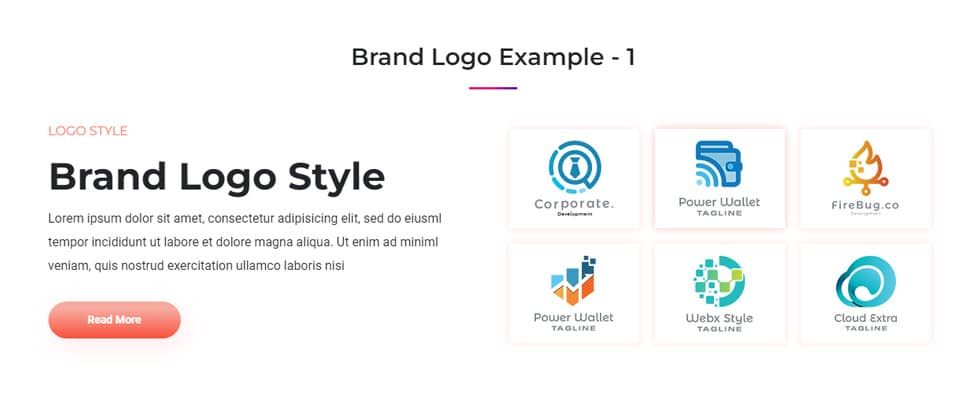
In the HT Mega plugin, there are seven alternative styles for the brands’ widget. You can add a title, a logo image, and the size of the image to display a logo.
A link to the image can also be added. Every part of this widget’s style can be customized using the style tab. This allows you to simply display your clients’ and partners’ logos on your website.
How to add Brands Widget using HT Mega Elementor Addon
Elementor Brands Widget by Move Addons
Elementor Brands Widget from the Move Add-ons plugin is another fantastic Elementor based widget for adding branding and logos to your website for free. 
The Elementor Brands Widget from Move Addons allows you to add a brand title, a picture of your choice, and a link to your website. Additionally, the plugin enables you to select logos for multiple brands and adjust their images or sliders.
The style tab lets you adjust the border radius, padding, margin, and logo size. The color and appearance of the brand image can also be modified.
How to Create Brand Logo using Move Addons for Elementor Page Builder
Pricing Plan: HT Mega and Move Addons
Check the pricing table for Move Addons and HT Mega plugins.HT Mega Move Addons 1 Website: $49/year 1 Website: $39/year 5 Websites: $79/Year 5 Websites: $89/Year 999 (Growth Package) Websites: $99/Year Unlimited Websites: $179/Year Buy Now or Check Pricing Plan Buy Now or Check Pricing Plan
Frequently Asked Questions
Can I customize the appearance of brand logos?
Yes, you can adjust logo size, spacing, colors, and other style settings to match your website’s design seamlessly.
Does the Elementor brand widget support clickable logos?
Absolutely! You can link each logo to a specific webpage, such as a partner’s website or an affiliate page.
Is the Elementor brand widget available for free?
Some Elementor addons, like HT Mega and Move Addons, offer a free version of the brand widget with basic customization options.
Is coding knowledge required to use the Elementor brand widget?
No, these widgets are fully drag-and-drop, making it easy to add and customize logos without any coding skills.
Can I set different image sizes for different screen sizes?
Yes, both HT Mega and Move Addons support responsive design settings, allowing you to adjust logo sizes for desktop, tablet, and mobile views.
Is it possible to create multiple brand logo sections on the same page?
Yes, you can add multiple brand widget sections on a single page, each with its own unique styling and layout settings.
Conclusion
The Elementor brands widget is perfect for those who want something quick, easy, and customizable. Anyone may simply showcase brand logos relevant to their business using this widget. You can adjust the size and location of your company logo or branding on a page in a few simple steps.
Once you have this widget at your fingertips, adding brand logos will be straightforward. Try out the Elementor brands widget today and see how this awesome widget can benefit your site.