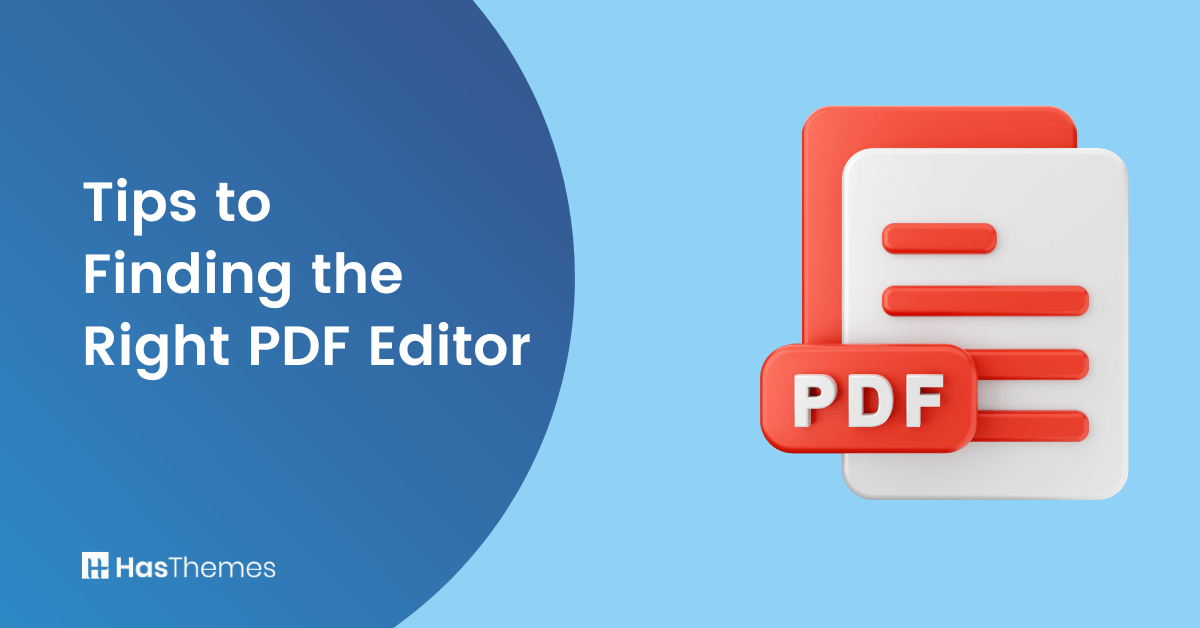
Tips to Finding the Right PDF Editor: Enhance WordPress Websites with PDF Editing Capabilities

Do you own a website that you update and edit yourself? If you’re looking to enhance your site’s functionality, adding a PDF editor for WordPress is one of the most valuable upgrades you can make.
With over 455 million websites built on WordPress since 2003, finding the right PDF editor has become essential for website owners who want to provide professional, interactive content.
From humble beginnings, WordPress has grown into a sizable company. One of the reasons behind the software’s popularity is the fact that WordPress has consistently changed and improved its functionality and user experience.
That is why it remains the tool of choice for professional developers and amateur enthusiasts. Whether you’re a teacher creating educational materials, a marketer developing downloadable resources, or a business owner managing invoices and forms, a WordPress PDF editor can transform how you handle documents on your site.
If you’re searching for the best PDF editor for WordPress, consider tools with editing, signing, and collaboration features that integrate seamlessly with your existing workflow. This comprehensive guide will help you understand how to use PDF editor in WordPress and choose the right solution for your specific needs.
Why WordPress Sites Have Taken the World by Storm
The number of 455 million quoted above equates to more than 40% of all websites in the world. That’s a huge achievement in a little over 20 years. What became WordPress was originally the brainchild of a French blogger. When he stepped back from developing the tool, an American and a British blogger took over the running of the project.
Within months, the team launched the first version of what WordPress is today, and the name soon followed, courtesy of another blogger’s suggestion. Since then, WordPress has evolved from a blogging tool into a powerful software capable of building entire websites.
However, that isn’t the secret to the success of WordPress. That secret lies in constant updates and the addition of new capabilities that developers and bloggers could use.
As a result, users now have access to nearly 60,000 free plugins to increase further what their websites can do. Another aspect of the WordPress success story is the fact that this tool has remained with its open-source roots, allowing developers to add to its usability and versatility.
The Evolution of WordPress PDF Management
Traditional PDF management on WordPress involves uploading static files that visitors can only download. But with modern WordPress PDF plugins, you can:
- Create interactive, fillable forms
- Edit existing PDFs without leaving your WordPress dashboard
- Convert between different document formats
- Add digital signatures and security features
- Provide real-time collaboration capabilities
Adding More Versatility with PDF Editing Tools
PDF editing tools can add even more versatility to your existing WordPress site. Before getting into the details of adding PDF editors to your WordPress site, let’s take a look at why WordPress users may need PDF files on their sites.
PDF files are handy for countless applications on websites. For example, they allow restaurants to display their menu professionally and stylishly and upload updates easily. Customers can download those menus just as easily and share them with friends or family members when planning a meal.
Perhaps your website is part of a business providing training or running courses? In that case, you may want to offer certificates of completion.
PDF files allow you to create those and make them easily accessible for students to download or send to employers and other interested parties. At the beginning of training courses, you may want to use PDF files to secure liability releases and complete other administrative requirements.
If your website involves eCommerce, you can also use editable PDF files to simplify the creation of invoice packing slips. The point is there are countless ways in which PDFs make your WP website more user-friendly and drive traffic to your business.
Recommended Blog for You
👉 The Top 10 Productivity Tools You Need to Boost Productivity
👉 5 Best WooCommerce Google Analytics Plugins:
👉 How to Install SSL Certificate on WordPress: Keep Your WordPress Site Secure
👉 How to Add Sidebar in WordPress: A Step-by-Step Guide
👉 How to Fix Elementor Editor Not Loading Issue Instantly: An Easy Guide
Using PDF Editors with WordPress
You can increase the versatility of PDF files on your WordPress website even further by utilizing a PDF editor for WordPress. Without an editor, your PDF files on WordPress remain static. To make even basic changes, you would need to convert them.
Using a WordPress PDF editor gives you control over the publication and the design of your PDF forms and other documents directly from your WP dashboard.
To start taking control of your PDF forms, you simply need to add a suitable PDF editor plugin to your WordPress site and start creating. So, finding the right PDF editor here is the key.
The process involves just a few more steps:
- Download and install your PDF editor plugin
- Create a form and test it thoroughly
- Adjust your form as necessary using PDF editing capabilities
- Customize the design of your PDF document to match your brand
- Publish a link on your site to enable downloads.
Who needs a PDF editor for WordPress on their site? We mentioned a few examples above already. Here are a few more use cases, complete with professions in which they’re popular.
- Marketing professionals: Are you offering marketing insights or strategic advice ready for download? PDFs have become one of the most widely used file types for sharing marketing information. A PDF editor for marketing materials allows you to update them quickly and easily without leaving your WordPress dashboard.
- Teachers: Lesson plans, handouts, test papers – no matter the subject, PDFs make your teaching materials look professional. PDF editor for teachers and WordPress solutions enable you to customize them to meet your students’ needs, facilitating effective learning.
- Administrators: PDF editing tools for WordPress make it easy to keep track of paperwork and administrative requirements for any business. Editing them on-site allows admin staff to streamline their processes even further.
Finding the Right PDF Editor: How to Choose the Best PDF Editor for Your WP Site

How can you determine what the best PDF editor for your WP website is? Here are a few key elements to consider when finding the right PDF editor:
User-Friendly Interface: A great PDF editor should provide an intuitive and easy-to-use interface, allowing you to navigate through its functions effortlessly. Look for an editor that offers a comprehensive range of editing tools, including text editing, image insertion, annotation options, and form creation. These features empower you to personalize your PDF documents to align with your brand and effectively engage your audience.
Compatibility with WordPress: Ensure that the PDF editor you choose seamlessly integrates with WordPress. Specifically, look for plugins designed for WordPress compatibility, as they provide a hassle-free setup and smooth integration with your website. Choosing a PDF editor optimized for WordPress saves time and eliminates compatibility issues.
Conversion Capabilities: In addition to editing PDFs, it is important to have a PDF editor that provides conversion options. Find an editor that allows you to convert PDFs to and from various document formats, such as Word files, Excel spreadsheets, or image files. This functionality enables you to work with different document types and easily share or collaborate on your content.
Security and Privacy Features: Security is of paramount importance when handling sensitive documents. A reliable PDF editor should provide security features, including password protection and encryption, to safeguard your PDF files from unauthorized access. Additionally, ensure that the editor prioritizes data privacy and offers a secure environment for storing and managing your files.
Cloud Accessibility and Collaboration: A PDF editor that supports cloud storage services, such as Google Drive or Dropbox, can be beneficial. Cloud accessibility enables you to access and edit your PDF documents from anywhere, providing flexibility and convenience. Furthermore, look for collaboration features that enable multiple users to work on the same document simultaneously, facilitating efficient teamwork and enhancing productivity.
Frequently Asked Questions
What is the best PDF editor plugin for WordPress?
The best PDF editor plugin offers seamless integration with WordPress, user-friendly tools for editing and converting PDFs, and strong security features. Popular options include plugins that provide PDF editing capabilities with drag-and-drop interfaces, form creation tools, and collaboration features.
Can I convert PDF to WordPress content directly?
Yes, many PDF editor plugins support conversion features that let you convert PDF to WordPress content and vice versa. This functionality allows you to import PDF content into your WordPress posts or export WordPress content as professional PDF documents.
How do I use a PDF editor on my WordPress site?
To use a PDF editor WordPress, install a compatible plugin, create or upload your document, and begin editing using the built-in tools. Most modern plugins offer intuitive interfaces that don’t require technical expertise.
Are there free PDF editing options for WordPress?
Yes, several free plugins offer basic PDF editing capabilities. However, premium options typically provide more advanced features like collaborative PDF tools for WordPress, enhanced security, and comprehensive conversion options.
Conclusion
Incorporating a WordPress PDF editor into your website can significantly enhance user experience and streamline document management. The key lies in choosing the right PDF editor that offers essential features like password-protected PDF editor plugin capabilities, GDPR-compliant PDF plugin functionality, and a responsive PDF viewer for WordPress compatibility
When evaluating what is the best PDF plugin for WordPress, prioritize solutions that provide online PDF editing in WordPress with cloud-based PDF editing plugin features. A modern PDF editor plugin for mobile-friendly sites should seamlessly integrate with your workflow while offering advanced security and collaboration tools.
Following these tips to choose the best PDF editor will help you select a solution that not only meets your current needs but scales with your business growth. Whether you need basic editing capabilities or comprehensive document management, the right WordPress PDF plugin can transform how you handle PDFs and engage your audience.
Start exploring available options today and unlock new possibilities for creating professional, interactive PDF content that drives results for your WordPress site.