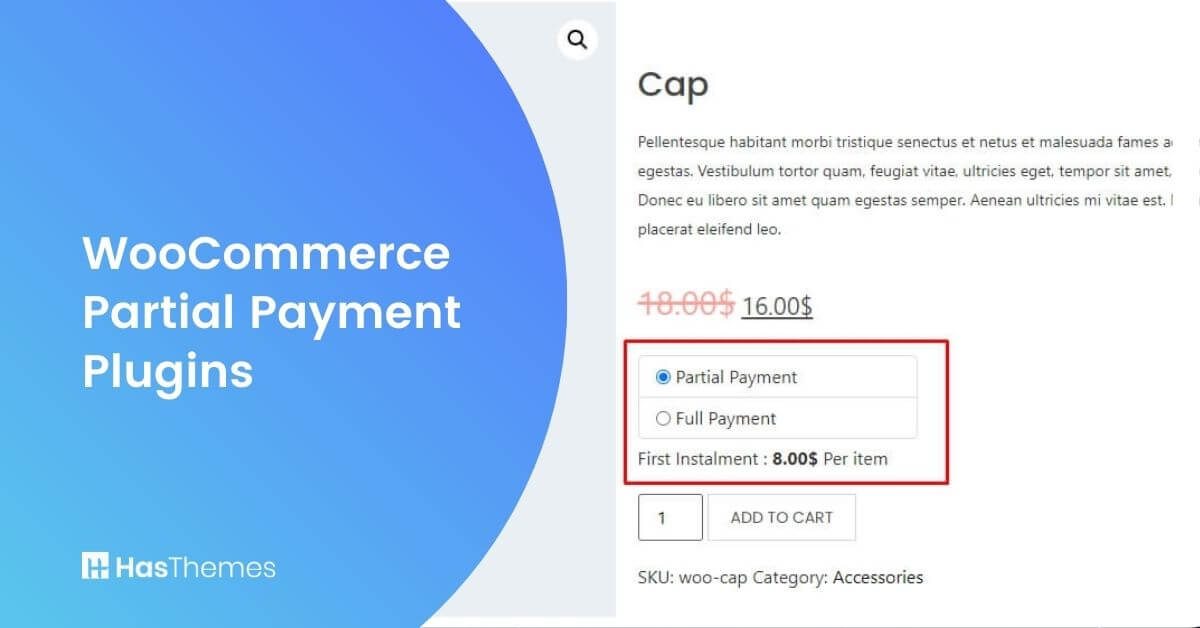
Best WooCommerce Partial Payment Plugins for Your Store(2026 Guide)

Written by a team that has tested WooCommerce and payment plugins on dozens of real client stores over the last 10+ years. We’ve set up deposits and installment plans for everything from $50 courses to $5,000 furniture orders.
Running a WooCommerce store and want to allow customers to pay in deposits or installments instead of the full amount upfront? You’re not alone.
Many of the store owners we work with reach a point where high‑ticket prices start scaring people away, even though the products are great. Partial payment and deposit plugins solve that by breaking the order into smaller, manageable payments and automating reminders so you don’t have to chase anyone manually.
Quick Answer: Best WooCommerce Partial Payment Plugins in 2026.
Which are the best WooCommerce partial payment plugins to boost sales in 2026? Top options include WooLentor/ShopLentor, PH WooCommerce Deposits, WooCommerce Deposits, SUMO WooCommerce Payment Plans, Deposits for WooCommerce, and Deposits & Partial Payments. These plugins add flexible deposits, installment schedules, and automated reminders that increase conversions and reduce cart abandonment for high‑ticket products.
What Is WooCommerce Partial Payment?
In simple terms, WooCommerce partial payment (or deposits) means your customer pays part of the order now and the rest later. Instead of asking for 100% at checkout, you might take a 20% deposit and then charge the remaining 80% in one go or in several scheduled installments.
We’ve seen this make a huge difference for stores selling items like custom furniture or multi‑day tours. When you remove the “full amount today” barrier, more people are willing to click the “Place order” button. A good plugin then takes care of the technical side: splitting payments, logging orders, and sending follow‑up reminders from your WooCommerce dashboard.
Why Your Store Needs a Partial Payment Plugin?
From our experience, the “I love this, but I can’t pay all of it right now” customer is extremely common. Partial payment plugins are built for that situation.
Here’s what we’ve seen in real stores:
- High‑ticket items stop sitting in carts and start converting once customers can secure them with a smaller upfront payment.
- Cash flow becomes more predictable because you collect a deposit immediately instead of waiting for someone to “come back later.”
- There are fewer awkward emails about discounts, because flexible payment options feel better than simply cutting your price.
On top of that, Google’s helpful content and EEAT guidelines reward pages that genuinely solve a problem and share real experience, not just generic plugin lists. This kind of practical, specific advice helps you on both fronts.
To get even more value from the traffic you earn, you can pair this setup with the strategies in eCommerce SEO best practices and eCommerce best practices.
How to Choose the Best WooCommerce Partial Payment Plugin
Not every plugin will fit every store. When we review tools for clients, we usually look at these points:
- Deposit types – Can you use fixed amounts and percentages, or are you stuck with one option?
- Payment schedules – Do you only get a single balance payment, or can you set weekly, monthly, and custom plans?
- Automation – Are follow‑up invoices and emails automatic, or will your team have to send reminders manually?
- Compatibility – Does it play nicely with PayPal, Stripe, WooCommerce Bookings, subscriptions, and your theme or builder?
- Control and UX – Can you enable deposits only on specific products/categories, force deposits, or let the customer choose between deposit and full payment?
- Reporting – Is it easy to see who still owes money, what’s overdue, and how much revenue is tied to upcoming installments?
If you’re building your store with Elementor, the Essential Addons plugin for Elementor is a nice companion for WooLentor/ShopLentor and other WooCommerce layouts.
Best 7 WooCommerce Partial Payment Plugins
ShopLentor – WooCommerce Page Builder
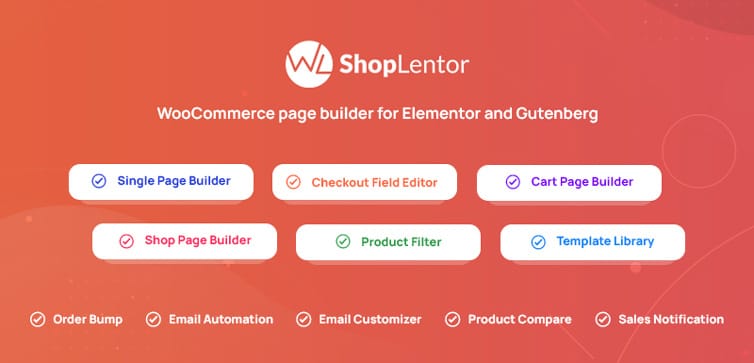
ShopLentor(Formerly WooLentor) is the Elementor-based page builder plugin for various WooCommerce needs, including partial payment. It’s a complete WooCommerce toolkit where partial payments are just one of the things it does well.
When we implement it for clients, we usually start by redesigning the product and checkout pages with Elementor, then turn on the partial payment options on specific products. That way, the “Pay deposit” offer is clear, visible, and matches the overall design of the store.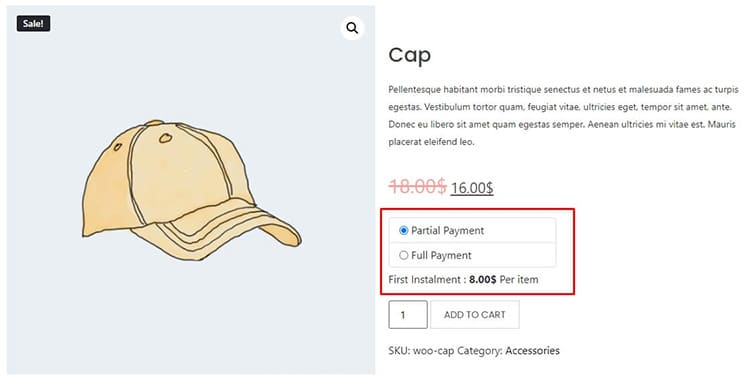
ShopLentor is the perfect tool for creating professional-grade WooCommerce pages. With an easy-to-use backend interface, you can manage partial payments and get your store up and running quickly. With WooCommerce deposits and down payments, you’ll have the option to choose whether you want to receive payments on a fixed amount or percentage basis.
Key features
- Elementor‑based visual builder for product, cart, and checkout pages.
- Built‑in partial payment controls with fixed or percentage deposits per product.
- Fine‑tune deposit amounts and messaging at product level.
- Works alongside many of ShopLentor’s conversion‑focused modules.
Best for: Store owners who want to handle design and partial payments from a single plugin instead of juggling multiple tools.
If you prefer Gutenberg over Elementor, have a look at WooCommerce Gutenberg Blocks by WooLentor.
Watch the video How to Add Partial Payment in WooCommerce Store
PH WooCommerce Deposits
PH WooCommerce Deposits is a strong choice if you run a booking‑heavy business or rent out products. You can define how much a customer must pay upfront and how the rest of the payment is split over time.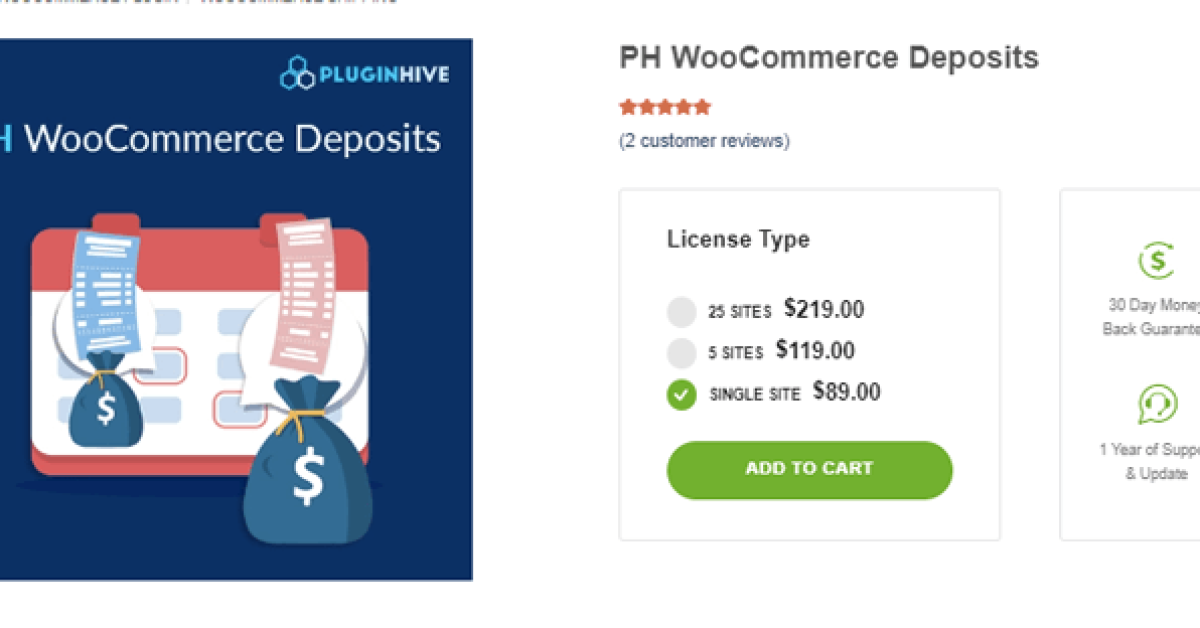
In projects where clients rent cars, equipment, or holiday homes, we’ve used PH WooCommerce Deposits to collect a clear upfront commitment and then schedule the balance before the booking date. That removes a lot of manual chasing and spreadsheet work for the store owner.
Key features
- Flexible payment plans with daily, weekly, monthly, or yearly schedules.
- Fixed or percentage deposits for products and services.
- Automatic or manual balance invoices.
- Email reminders for upcoming or overdue payments.
- Per‑product control over whether deposits are allowed or required.
Best for: Rentals, tours, and bookings where you need structured deposit and follow‑up payment flows.
You’ll also find this kind of plugin discussed in HasThemes’ essential WooCommerce plugins roundups.
WooCommerce Deposits – Partial Payments Plugin
WooCommerce Deposits is popular with store owners who want deposit options embedded tightly into the normal WooCommerce checkout. Customers can choose to pay a deposit or the full amount, and the plugin handles the rest.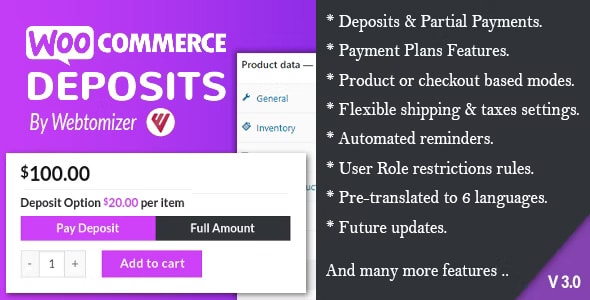
In our audits, we’ve seen this plugin reduce disputes because terms are clearer and reminders are built into the flow. Staff can also see deposit and balance information directly inside the order screen, which is a big plus for support teams
Key features
- Cart‑based deposit options with clear deposit buttons at checkout.
- Fixed or percentage deposits per product or cart.
- Automatic email reminders for unpaid balances.
- Solid integration with WooCommerce orders and reports.
Best for: Stores that want a well‑established, feature‑rich deposit system without changing their checkout too much.
SUMO WooCommerce Payments Plans
SUMO WooCommerce Payment Plans is a good fit when your payment logic is a bit more complex. Instead of “deposit now, pay once later,” you can define multiple installment steps over weeks or months.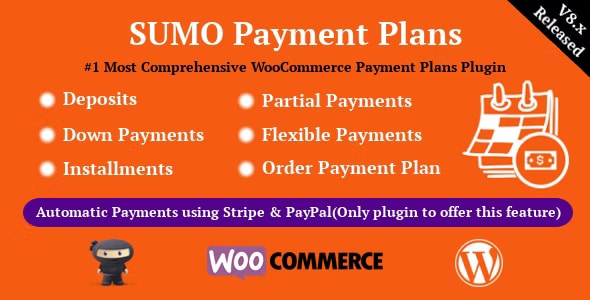
We’ve used SUMO for clients selling courses and membership programs where paying in three or six installments feels more natural than paying everything upfront. The ability to tweak when taxes are charged and which plans show for which products is very handy in those cases.
Key features
- Multiple deposit and installment plan types.
- Option to collect taxes in the first payment or across installments.
- Rules to hide or show specific plans at checkout.
- Email reminders for upcoming installment dates.
Best for: Stores that need detailed installment logic and separate plan options for different products or customer groups.
Deposits for WooCommerce
Deposits for WooCommerce keeps things relatively straightforward while still offering the essentials. You decide whether a product requires a flat deposit amount or a percentage, then set how and when the rest is due.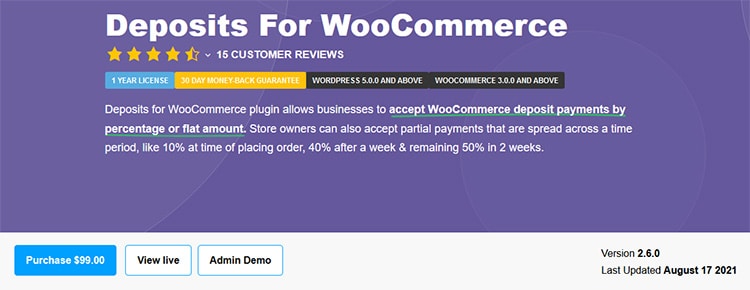
We’ve seen this plugin work well in stores selling high‑value items such as premium furniture, event packages, or custom builds. It gives shoppers breathing room without confusing them with too many plan choices.
Key features
- Flat or percentage deposit per product.
- Multiple schedule options (for example, weekly or monthly).
- Email notifications for upcoming or overdue payments.
- Works with major payment gateways and WooCommerce orders.
Best for: High‑ticket product stores that want a clear, simple deposit setup rather than a very complex payment system.
Deposits & Partial Payments for WooCommerce
Deposits & Partial Payments for WooCommerce is often used when store owners want something lightweight that still supports serious booking scenarios. You can force every order of a specific product to use a deposit, or let customers pick between a deposit and full payment.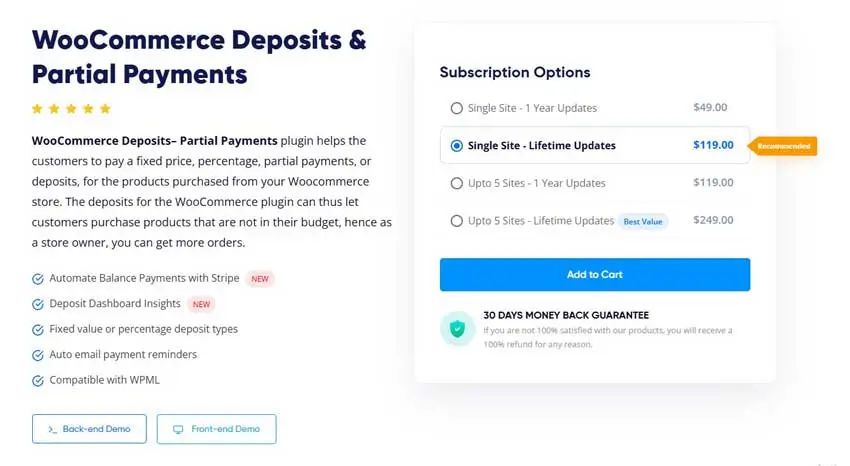
We’ve set it up for a few smaller rental and appointment‑based businesses that needed a quick, reliable way to take deposits without investing in a huge custom system.
Key features
- Partial payments via fixed or percentage deposits.
- Force deposits or let customers choose at checkout.
- Support for recurring or scheduled payments on outstanding balances.
- Plays well with many booking and rental workflows.
Best for: Smaller booking or rental sites that want a clean, lightweight deposit solution.
Wallet‑Based Partial Payment Solutions
Wallet‑based systems are a slightly different approach. Instead of only splitting a single order, they let customers build up a wallet balance or store credit and then combine that with other payment methods at checkout.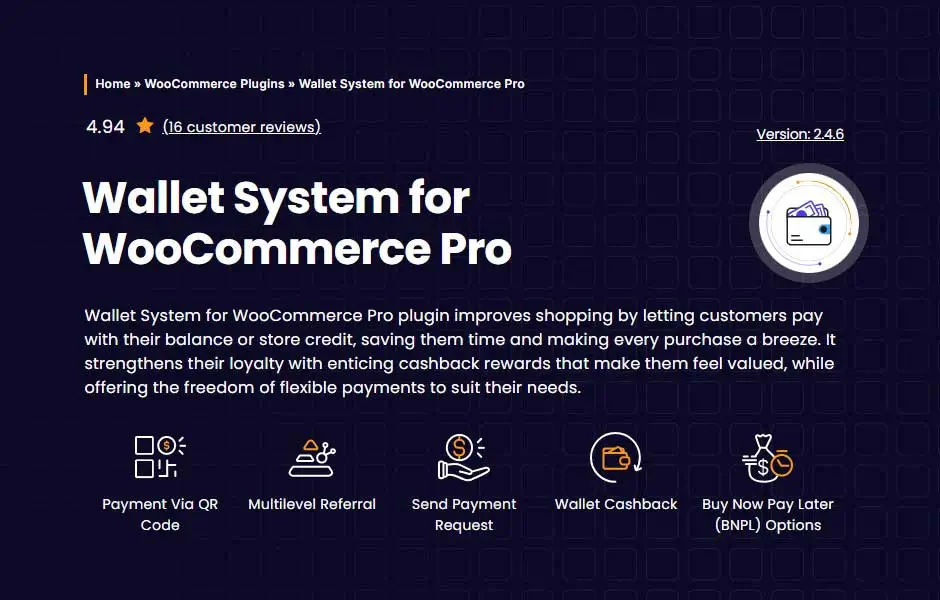
We usually recommend wallets for wholesale or membership‑style stores where customers come back often. It’s a natural way to reward loyal buyers with credit, cashback, or store‑only balance while still giving them flexible ways to pay.
Best for: B2B, wholesale, and membership sites that want to combine partial payments with loyalty and store credit.
For more ways to keep customers coming back, see the WooCommerce email marketing guide and the list of best WooCommerce email marketing plugins.
Feature Overview Table
| Plugin / Approach | Deposit types | Schedules & plans | Standout strengths | Best for |
|---|---|---|---|---|
| WooLentor / ShopLentor | Fixed, percentage | Product‑level partial payment options | Visual builder + partial payments in one toolkit | Stores wanting design + payment flexibility in one tool |
| PH WooCommerce Deposits | Fixed, percentage | Daily, weekly, monthly, yearly plans | Strong booking/rental support, detailed plan control | Rentals, tours, holiday bookings |
| WooCommerce Deposits – Partial Payments | Fixed, percentage | Cart‑based deposits, flexible follow‑up | Deep WooCommerce integration, robust reminders | Stores needing reliable deposit handling at checkout |
| SUMO WooCommerce Payment Plans | Fixed, percentage | Complex installment structures | Advanced rules, taxes per installment, eligibility logic | Complex plans and long‑term installments |
| Deposits for WooCommerce | Fixed, percentage | Multiple schedules per product | Straightforward setup, high‑ticket product friendly | Premium goods, services, and project‑based work |
| Deposits & Partial Payments for WooCommerce | Fixed, percentage | Deposits plus recurring or scheduled balances | Lightweight, bookings‑friendly, easy to adopt | Bookings/rentals needing quick deposit implementation |
| Wallet‑based partial payment solutions | Wallet + other methods | Wallet top‑ups plus ad‑hoc partial payments | Supports loyalty, store credit, B2B scenarios | Wholesale or repeat‑purchase stores |
Use Cases of WooCommerce Partial Payment Plugins
Over the years, we’ve implemented partial payments for a wide range of scenarios. Some of the most common are:
- High‑ticket products like electronics, furniture, and specialized equipment. A deposit helps buyers commit without applying for credit or saving for months.
- Travel, tours, and events where customers pay a smaller amount to reserve their spot and the rest closer to the date.
- Courses, coaching programs, and services where splitting the price into a few installments feels more natural and less risky for the customer.
Some stores also add a small admin or interest fee on longer plans. This can increase revenue, but it’s important to be transparent in your terms and emails so customers don’t feel surprised later.
If you’re looking for other ways to extend your store, have a look at HasThemes’ essential WooCommerce plugins.
How to Enable Partial Payment in WooCommerce (Step‑by‑Step)
Here’s a simple process we usually follow when setting up partial payments for a new client store:
- Install and activate your chosen partial payment plugin from WordPress.org or the vendor’s site.
- Enable deposits globally in the plugin or WooCommerce settings, so the feature is available.
- Pick your default deposit type – fixed amount or percentage – and set sensible default values and schedules.
- Assign plans to products or categories that need deposits (for example, high‑ticket items, rentals, or bookings).
- Configure email templates and automation so customers get clear reminders before payments are due.
- Test everything on a staging site: place a test order with a deposit, pay the balance, and check how orders look in the admin area.
If you’re specifically using ShopLentor(Formerly WooLentor), you can combine this with the visual tutorials in how to accept partial payment in WooCommerce and the video on how to install WooLentor Pro.
Frequently Asked Questions
How do I enable partial payments in WooCommerce?
The easiest way is to install a deposit plugin such as WooLentor/ShopLentor, PH WooCommerce Deposits, or Deposits & Partial Payments. After activation, you turn on deposits in the settings, choose a deposit type, and apply it to the products that need it.
Can I accept partial payments in WooCommerce without a plugin?
Technically, you can try to manage partial payments via certain gateways or custom code, but in practice it’s messy and error‑prone. Most store owners we’ve worked with switched to dedicated plugins because they wanted automated billing, clear reporting, and fewer manual tasks.
Which WooCommerce deposit plugin is best for bookings and rentals?
If bookings and rentals are your main business, we usually start by testing PH WooCommerce Deposits or Deposits & Partial Payments on a staging site. Both work well for collecting a deposit upfront and handling the remaining balance closer to the rental or event date. You can combine them with tools mentioned in essential WooCommerce plugins.
Do partial payment plugins support Stripe and PayPal?
Yes, most popular deposit plugins work with Stripe and PayPal, but it’s always worth checking the plugin documentation before you install anything on a live site. When we audit stores, we often find conflicts that could have been avoided by checking compatibility first.
Will offering deposits really improve my conversion rate?
We can’t guarantee specific numbers for every store, but real client data usually shows a clear pattern: when high‑ticket items move from “full payment only” to “pay a deposit or in installments,” more carts turn into completed orders. It also creates a better experience for customers who want your product but need more flexibility with cash flow.
Watch the Overview of 5 Best WooCommerce Partial Payment Plugins in the Video Mentioned Above
Final Thoughts
If your WooCommerce store sells anything even slightly expensive, adding partial payments is one of the most practical upgrades you can make. Instead of lowering your prices, you make the same products feel more achievable by spreading the cost out.
Our recommendation is simple: start with one plugin that matches your current setup, test it on a few products, and monitor your results in tools like Google Analytics and GA4 keyword tracking. If you see more completed orders and fewer abandoned carts, roll the setup out across more of your catalog.
Over time, these small, practical changes do more for your business and for Google’s trust in your site than any quick SEO trick ever could.