11 Best Open Source Ticketing Systems for Customer Support and IT Teams

Looking for the best open source ticketing systems to manage customer or IT support requests? The right choice depends on whether you need a self-hosted help desk, a lightweight shared inbox, an IT service desk, or a WordPress-based support plugin integrated with your site.
Open source ticketing systems give you more control over data, customization, and deployment than most pure SaaS tools, but they also require technical skills for installation, updates, and security. In this guide, we focus on actively maintained projects, separate true open source platforms from WordPress alternatives, and highlight which tools fit each use case.
Quick Answer: What Are the Best Open Source Ticketing Systems?
Some of the best open source ticketing systems today are Zammad, osTicket, FreeScout, UVdesk, HelpDeskZ, and Redmine-based service desk plugins. The right tool depends on whether you want a self-hosted help desk, IT support ticketing platform, developer-friendly package, or WordPress ticketing plugin that keeps everything inside your website.
Key Takeaways
- Best overall open-source option: Zammad, for its modern interface, omnichannel support, and active development.
- Best self-hosted option: osTicket, for its stable, email-centric ticketing and long track record.
- Best for WordPress users: Support Genix and WSDesk as WordPress-native helpdesk plugins rather than classic open source platforms.
- Best for IT teams: Zammad and osTicket, which support structured IT and service workflows.
- Best for small businesses: FreeScout, thanks to its lightweight shared inbox and modular extensions.
- Important: Always check the license, last update date, documentation, and support options before choosing any open source or free ticketing system.
What Is an Open Source Ticketing System?
An open source ticketing system is software that lets you capture, track, and resolve support requests (“tickets”) from customers or internal users, with source code released under an open source license. It typically supports ticket creation from email or forms, assignment to agents, status changes, priorities, and a complete history of conversations in one place.
These systems often include internal notes, tags, and shared views so teams can collaborate on tickets more efficiently. Because the source code is available, you can self-host on your own server, modify features, and integrate with other tools, as long as you respect licenses such as GPL or AGPL.
Open Source vs Free vs Help Desk vs IT Service Desk vs WordPress Plugin
- Open-source ticketing system: Source code is available under an OSI-approved license, and you can host, modify, and extend it within the license terms.
- Free ticketing software: May have a free plan or free download, but the code is closed and controlled by a vendor.
- Help desk software: Broader term covering ticketing plus knowledge base, automation, reporting, and multi-channel support; may be open source or proprietary.
- IT service desk software: Focused on ITIL-style incident, problem, and change management, often including asset management and SLAs for internal IT teams.
- WordPress support ticket plugin: A plugin that runs inside WordPress to manage support tickets; usually commercial or freemium and not a full standalone open source help desk.
Comparison Table: Best Open Source Ticketing Systems
What are the 11 Best Open Source Ticketing Systems Available Today?
Support Genix (WordPress Ticketing Alternative)
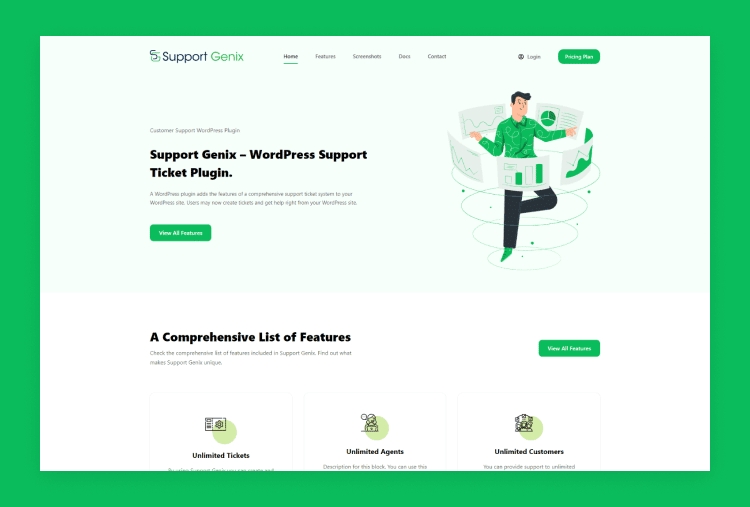
Support Genix Support Genix is a WordPress support ticket plugin that lets you manage customer support directly from your WordPress dashboard. It’s designed for site owners who prefer not to run a separate help desk platform and instead keep everything within WordPress.
The plugin provides front-end ticket submission forms, agent assignment, saved replies, email notifications, and, increasingly, a knowledge base and AI-assisted features. It is better described as a WordPress helpdesk plugin than as a classic open source ticketing system, even though its lite version is available in the WordPress.org repository.
Pros
- Native WordPress integration, with tickets managed inside the WP admin area.
- Helpful for WooCommerce and content sites where most support originates on the website.
- Easier setup for non-technical users compared with managing a separate application stack.
Cons
- Not a standalone open source platform; it depends on WordPress and the plugin ecosystem.
- Performance and scalability depend heavily on your WordPress hosting setup.
Pricing- Support Genix offers cost-effective and simple services for small and medium enterprises.
Recurring plan-
- Personal for $59 (5 websites)
- Developer for $99 (5 websites)
- Agency for $149 (100 websites)
Lifetime Plan-
- Personal for $149 (1 website)
- Developer for $399 (5 websites)
- Agency for $699 (100 websites)
FreeScout
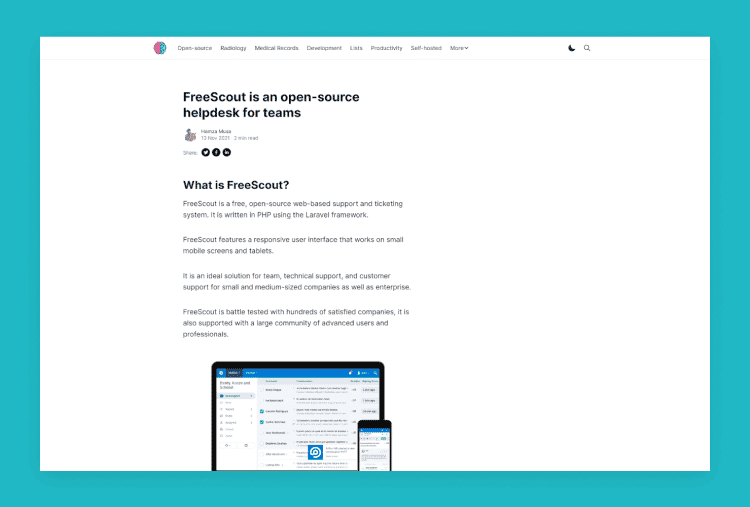
FreeScout is an open source help desk and shared inbox designed to be a self-hosted alternative to platforms like Zendesk and Help Scout. It runs on PHP and Laravel, making it a good fit for teams comfortable with that stack or affordable shared hosting environments.
The core system provides shared mailboxes, email piping, conversation assignments, tags, folders, and basic automation. Additional features such as advanced reporting, workflows, or CRM-like functionality can be added via paid modules, so you can start small and extend over time.
Pros
- Lightweight and resource-friendly compared with some heavier open source help desks.
- Familiar shared inbox experience for teams already used to modern email tools.
- Modular architecture lets you add only the advanced functionality you really need.
Cons
- Many more sophisticated features require purchasing separate modules.
- Still demands technical responsibility for hosting, updates, and security hardening.
Pricing overview: FreeScout’s core help desk is free and open source to self-host. Optional paid modules extend functionality, with prices and bundles listed on the official FreeScout site and module catalog.
WSDesk
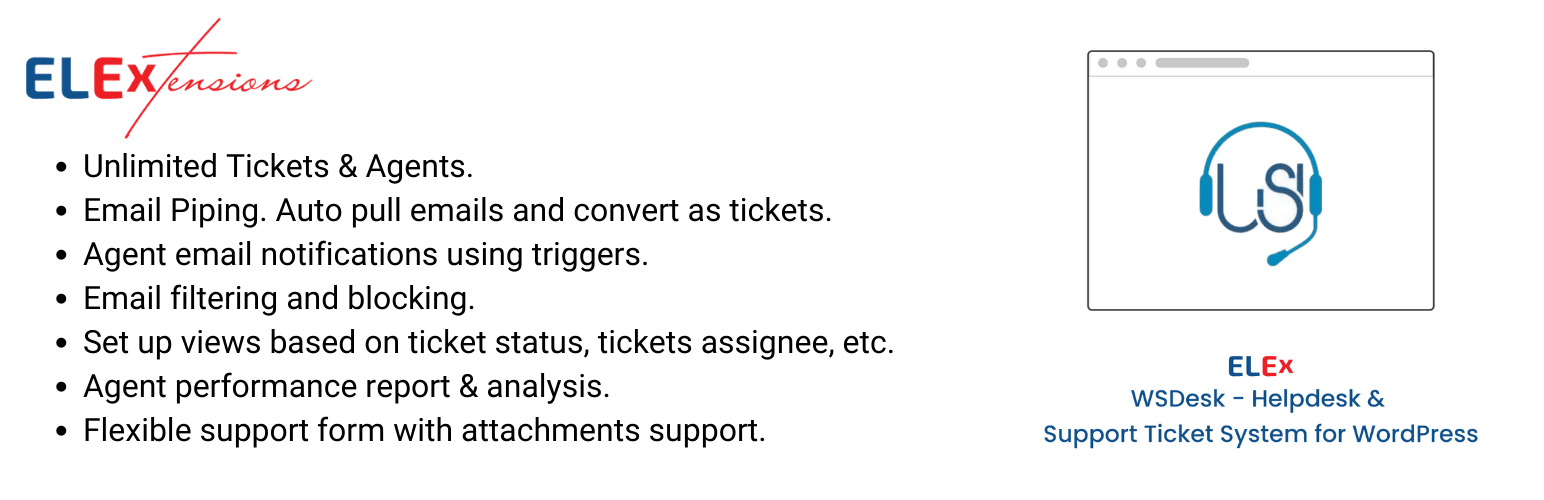
WSDesk is a premium WordPress helpdesk plugin from ELEX that turns your WordPress site into a support ticket system. It integrates closely with WooCommerce, making it popular among online stores that prefer to manage support inside WordPress.
The plugin supports email piping, unlimited tickets and agents, canned responses, automation rules, and WooCommerce-aware ticket management. Like Support Genix, it is a WordPress helpdesk solution rather than a standalone open source ticketing platform, but it serves a similar need for many site owners
Pros
- Deep integration with WooCommerce for order-linked support tickets.
- Fully managed from the WordPress admin, avoiding separate logins and systems.
- Supports automation and triggers to streamline WordPress-based customer support.
Cons
- Commercial plugin with licensing costs; not a community-driven open source project.
- Limited to WordPress environments, which may not suit all organizations.
Pricing overview: WSDesk is sold as a paid WordPress plugin under an annual license model, with plan options varying by site usage and included features. Current plans and renewal details are documented on the WSDesk product page.
Yearly pricing-
- $99 for a single site
- $199 for up to 5 sites
- $449 for up to 25 sites
OpenSupports
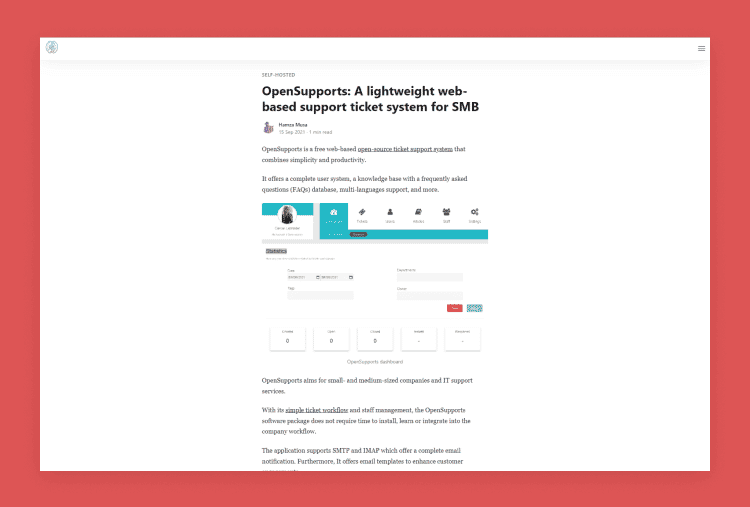
OpenSupports is a PHP-based help desk system aimed at providing simple ticket management and a user-friendly support portal. It offers core features like ticket submission, departments, and basic administration for small teams and websites.
Historically, OpenSupports has been released as open source, but its current level of maintenance appears lower than that of more prominent alternatives. That makes it important to review the official site and repository before deploying it in production, especially for security-sensitive environments.
Pros
- Simple interface and feature set suitable for small support operations.A
- PHP-based stack that can be deployed on many shared or low-cost hosting platforms.
- Useful when you need basic ticketing without complex service desk features.
Cons
- Appears less actively maintained than leading open source help desks.
- Limited functionality compared with modern, more fully featured alternatives.
Pricing overview: OpenSupports has generally been free to download and self-host. Check the current official website and repository for any updated information about licensing, support services, or possible hosted options.
OSTicket
OSTicket is one of the most established open source ticketing systems, built primarily around email-to-ticket workflows and web forms. It provides a familiar interface for agents and supports departments, help topics, and custom fields, making it a solid choice for teams that value simplicity.
The tool is written in PHP and can be self-hosted on typical LAMP stacks or used via a commercial hosted edition. Its focus is on reliable ticket management rather than cutting-edge UI, which suits organizations that want something stable and well-understood rather than experimental.
Pros
- Mature and widely used, with many years of community feedback and improvements.
- Straightforward email-based ticketing model that’s easy for support teams to adopt.
- Extensive documentation and community resources for installation and troubleshooting.
Cons
- Interface can feel dated compared with more modern tools like Zammad or newer SaaS products.
- Some advanced features and integrations may require customization or third-party extensions.
Pricing overview: The core osTicket software is free to download and self-host under an open source license. Managed cloud and virtual appliance editions are offered with subscription pricing, outlined on the osTicket editions and download pages
UVdesk
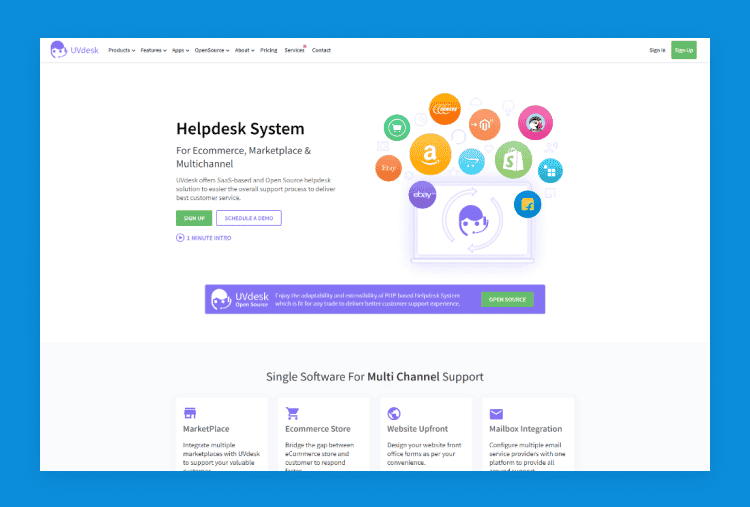
UVdesk offers an open source community edition of its help desk software, alongside commercial cloud offerings. The system is particularly strong for e‑commerce businesses, thanks to integrations with platforms such as Magento and other online store solutions.
The community edition supports ticket management, workflows, automation, and customer management features that can be adapted to both small and larger teams. Because it’s self-hosted, you retain control over data and infrastructure, but you also need sufficient technical resources to install and maintain it.
Pros
- Focus on e‑commerce support, with order-linked tickets and store integrations.
- Community edition provides a capable open source foundation for customization.
- Can scale from smaller teams to more complex setups with the right configuration.
Cons
- Installation and configuration can be more involved than simpler PHP-only solutions.
- Requires verification of current repository activity and documentation before production use.
Pricing overview: UVdesk’s community edition is free to download and self-host. The company also sells subscription-based cloud and enterprise plans with published tiers; full details are available on the official UVdesk website.
Zammad
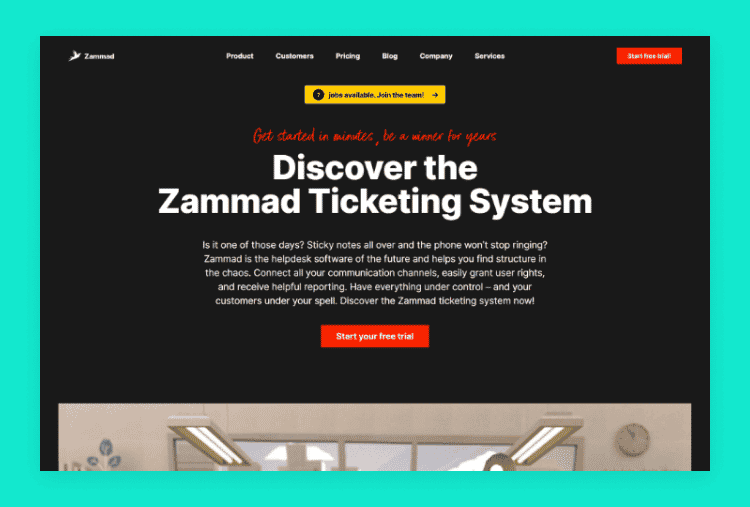
Zammad is a web-based open source helpdesk and ticketing system with a modern interface and powerful features. It supports multiple channels, including email, chat, web forms, and social media, making it suitable for both customer support and IT teams that need flexible communication.
Built under the AGPLv3 license, Zammad can be self-hosted for maximum control or used via the vendor’s managed cloud. It offers role-based permissions, SLAs, reporting, integrations, and a knowledge base, giving many teams enough functionality to replace paid support platforms.
Pros
- Modern, intuitive UI compared with many classic open source ticketing systems.
- Supports omnichannel ticketing and automation for complex support workflows.
- Actively maintained, with an open GitHub repository and community involvement.
Cons
- Requires more server resources and technical setup than lightweight PHP tools.
- Best experience often assumes familiarity with Linux, Docker, and command-line management.
Pricing overview: Zammad is free to self-host as open source software. Paid cloud plans are available on a per‑agent basis with several tiers; the official Zammad pricing page lists current plans and features in detail.
Trudesk
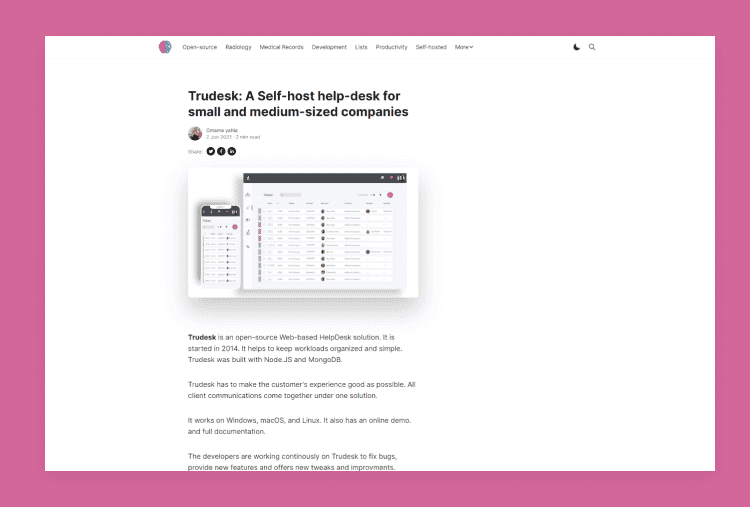
Trudesk is a Node.js-based open source help desk designed for real-time ticketing and collaboration. It aims to provide a modern web interface and features such as departments, ticket assignment, and knowledge base functionality.
Because it is built on Node.js and commonly paired with NoSQL databases, Trudesk can appeal to teams that already run JavaScript-heavy stacks. As with other developer-focused tools, you should confirm that the official repository is active and the documentation is current before committing.
Pros
- Node.js stack aligns well with JavaScript-focused development teams.
- Real-time updates help agents see ticket changes quickly and collaborate.
- Offers a feature set that goes beyond minimal ticket forms for more serious use.
Cons
- Smaller community and fewer resources than mainstream options like osTicket or Zammad.
- Setup and maintenance can be more complex for teams unfamiliar with Node.js infrastructure.
Pricing overview: Trudesk can typically be used for free as a self-hosted open source application. Some hosting providers offer managed Trudesk hosting with their own plan pricing, so review those vendors directly if you prefer a managed environment.
Hesk
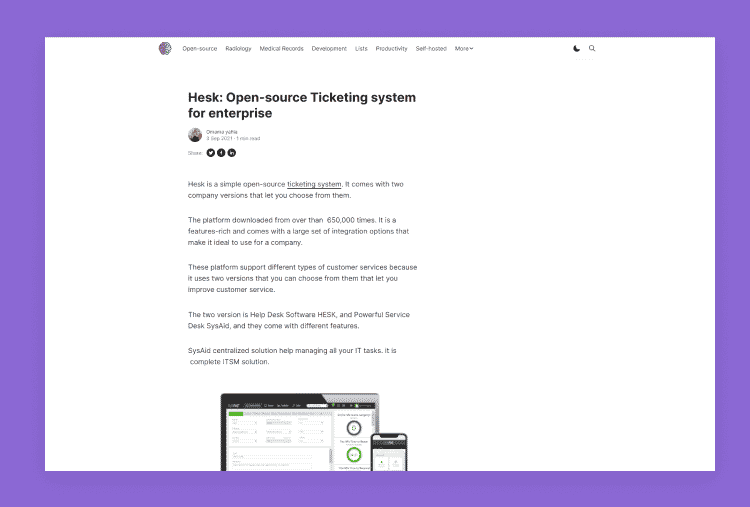
Hesk is a lightweight help desk and ticketing system that can be deployed on-premise or used as a cloud-hosted service. It is designed for small businesses, IT teams, schools, and departments that need a simple way to receive, organize, and respond to support requests.
Unlike many enterprise tools, Hesk focuses on a straightforward web-based interface with ticket submission forms, email piping, categories, priorities, and a built-in knowledge base. It aims to make it easy for non-technical teams to set up an internal IT service desk or customer support portal without complex configuration.
Pros
- Free on-premise PHP help desk that runs on a standard LAMP stack.
- Features include email-to-ticket, categories/departments, custom fields, and reporting.
- Integrated knowledge base for self-service articles and FAQs.
- Suitable for small IT help desks, education, and SMEs looking for simplicity.
Cons
- Not truly “open source” in the classic community-driven sense, even though it is free to download.
- The feature set is intentionally simpler than tools like Zammad or enterprise ITSM suites.
- Interface and customization options are more limited compared with modern full-stack platforms.
Pricing overview:
Hesk’s downloadable on-premise version is free to install and use with no per-user fees or trial limits. Optional one-time licenses are sold if you want to remove the “Powered by Hesk” branding, and a separate Hesk Cloud service offers hosted plans billed monthly or annually.
Redmine Service Desk Plugin
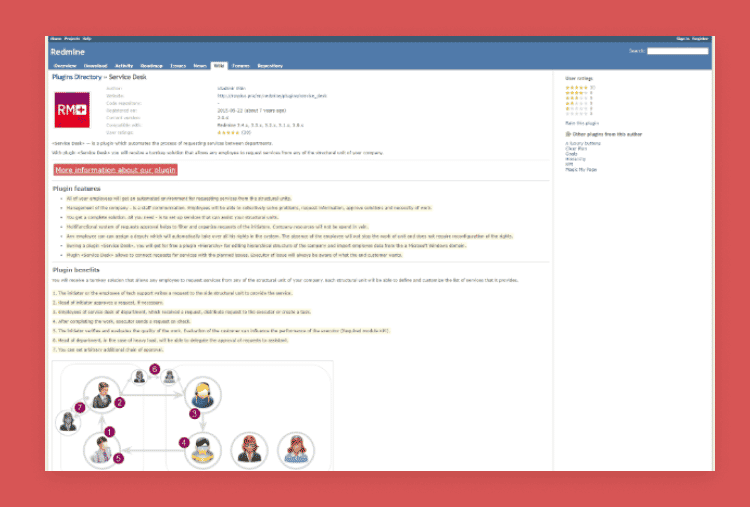
Redmine is a widely used open source project management and issue-tracking tool, and service desk plugins extend it into a ticketing and support system. Plugins such as those from RedmineUP add customer portals, email-to-ticket, and SLA tracking on top of the core Redmine platform.
This approach is ideal for development and IT teams already running Redmine who want to handle both project issues and support tickets in one environment. Because multiple service desk plugins exist, you must review each add-on’s documentation and license carefully before adoption.
Pros
- Leverages Redmine’s robust issue tracking, permissions, and project structure.
- Allows unified handling of customer tickets and internal development tasks.
- Flexible plugin ecosystem with various options for service desk features.
Cons
- The plugin ecosystem is fragmented; different vendors offer different capabilities and licensing.
- Configuration can be technical and less beginner-friendly, especially for non-developer teams.
Pricing overview: Redmine itself is free and open source. Service desk plugins may be free or commercial, with license fees published on the respective vendor sites, so always review each plugin’s pricing and licensing information before deploying.
HelpDeskZ
HelpDeskZ is a free, PHP-based ticketing system aimed at small websites and basic support needs. It allows users to submit tickets via a web form and email, supports departments, and offers canned responses to speed up common replies.
The project’s code is hosted on GitHub, and it has historically been adopted by teams seeking a lightweight, zero-license-fee ticketing solution. However, its maintenance history has included periods of lower activity, so it is essential to double-check the latest commits and issues before deploying.
Pros
- Simple PHP application that can run on common shared hosting environments.
- Free to download and use, which appeals to budget-constrained projects.
- A straightforward feature set that is easy for small teams to understand.
Cons
- History of inconsistent development activity and delayed updates.
- Security and long-term reliability may require additional diligence from your side.
Pricing overview: HelpDeskZ is marketed as free to download and self-host, without standard SaaS-style plans. If you require commercial support or additional services, you should review the official site for any current offers or third-party providers.
Open Source Ticketing Systems vs Paid Help Desk Software
| Factor | Open Source Ticketing System | Paid Help Desk Software |
|---|
How to Choose the Best Open Source Ticketing System
Use this practical checklist before deciding:
- Do you need self-hosting? Decide whether you want full control over infrastructure or prefer a hosted SaaS.
- Do you need WordPress integration? If support is mainly through your WordPress site, a WordPress ticketing plugin might be enough.
- Do you need email piping? Ensure the system can reliably convert incoming emails into tickets and send replies back.
- Do you need SLAs, automation, or agent roles? Larger teams should look for automation rules, SLA policies, and granular permissions.
- Do you need a knowledge base? Check whether built-in knowledge base and FAQ features are available or easy to add.
- Who will maintain server and security updates? Assign responsibility for patching, backups, monitoring, and capacity planning.
- Is the project actively maintained? Review GitHub commits, releases, and issue responses to avoid abandoned tools.
- Does the license fit your business use? Confirm whether GPL/AGPL or other terms work for your distribution and modifications.
- Can your team customize it? Realistically assess your internal development skills or budget for outside help.
Common Mistakes to Avoid
- Choosing an inactive project: Always check recent commits and releases before adopting any open source ticketing system.
- Confusing free with open source: Free SaaS plans do not give you access to source code or the right to modify it.
- Ignoring license terms: Make sure your usage complies with GPL, AGPL, or other license obligations.
- Overlooking hosting and security: Self-hosted tools need regular updates, backups, and security monitoring.
- Picking a tool without robust email integration: If email is your main channel, this feature must be reliable and well-documented.
- Ignoring agent workflow and UX: A cluttered or dated interface can slow down your team even if features are present.
- Skipping migration planning: Think about data export, import, and user onboarding if you’re moving from another platform.
- Choosing a system that’s too technical: Non-technical teams may struggle with stacks that require heavy DevOps or development work.
When a WordPress Ticketing Plugin Is Better Than an Open-Source Help Desk
If your main support channel is a WordPress site or WooCommerce store, a WordPress ticketing plugin can be simpler than running a separate open source help desk. With plugins like Support Genix and WSDesk, customers submit tickets through your site, and your team handles them inside the familiar WordPress dashboard.
This avoids maintaining a separate application stack, user management system, and URL just for support. You still get core features like ticket forms, email notifications, assignments, and often a knowledge base, but you manage everything within existing WordPress workflows and hosting. For many WordPress-centric businesses, that trade-off is preferable to running a fully separate open source help desk.
Frequently Asked Questions
1. What is the best open source ticketing system?
The best option depends on your needs, but Zammad and osTicket are widely recommended for general help desk use, while FreeScout is popular for lightweight shared inbox deployments.
2. Are open source ticketing systems free?
Most open source ticketing systems are free to download and self-host, but you still pay for servers, maintenance, and sometimes paid modules or support contracts.
3. What is the difference between free and open-source ticketing software?
“Free” refers to price, while “open source” refers to access to source code and the right to modify and redistribute it according to the license.
4. Which open source ticketing system is best for small businesses?
FreeScout and osTicket work well for many small businesses, with FreeScout offering a modern shared inbox feel and osTicket providing a stable, classic ticketing experience.
5. Which ticketing system is best for WordPress?
For WordPress, Support Genix and WSDesk are strong choices because they run entirely inside WordPress and integrate with WooCommerce and website forms.
6. Is osTicket still a good option?
Yes, osTicket remains a widely used open source support ticketing system with an active GitHub project and a commercial hosted edition for those who want managed hosting.
Is Zammad open source?
Zammad is fully open source, licensed under the GNU AGPLv3, and developed in public via its GitHub repository.
Can open source ticketing systems replace Zendesk or Freshdesk?
For many organizations, tools like Zammad, FreeScout, UVdesk, and osTicket can replace proprietary platforms if you are ready to manage hosting and customization yourself.
Conclusion
The best open source ticketing system for your organization depends on your use case, technical skills, and where your customers contact you. Self-hosted tools like Zammad, osTicket, and FreeScout provide more control and customization but also require ongoing maintenance, monitoring, and security.
WordPress-based businesses may find it easier to manage support directly from their site using plugins such as Support Genix or WSDesk. Whatever you choose, verify that the project is actively maintained, that the license fits your business model, and that you have a clear plan for security, backups, and support.
If you manage customer support primarily from a WordPress website, consider exploring Support Genix as a WordPress support ticket solution rather than a standalone open source help desk.