How to Start a WordPress Blog in a Few Simple Steps

WordPress powers over 43% of all websites on the internet. Every day, more than 500 new WordPress sites go live. It’s the most popular platform for both beginners and professionals.
Starting a WordPress blog is easier than you think. You don’t need coding skills. You don’t need technical knowledge. From hobby bloggers to large companies, everyone can use WordPress to create their perfect website.
In this guide, you’ll learn how to start a WordPress blog. We’ll break down each step to make it simple and clear. Let’s turn your blogging dream into reality
Key Takeaways
- Gain confidence in managing your WordPress blog with basic knowledge of hosting, themes, and essential customization tools.
- Learn the two essential elements needed to launch a WordPress blog.
- Master the step-by-step process of downloading WordPress and installing it through cPanel or manual FTP upload.
- Understand how to choose, install, and customize WordPress themes.
- Learn how to enhance your blog’s functionality by selecting and configuring plugins.
- Discover the process of writing and publishing your first blog post through the WordPress dashboard.
Why You Should Start a WordPress Blog in 2025
A WordPress blog is not only easy to build but also free. It comes with 55,000+ plugins and thousands of themes. You can customize your site with any feature or design you want. WordPress blogs offer multiple ways to earn money online. You can:
- Sell your products or services directly
- Create sponsored content
- Share affiliate product reviews
- Offer freelance writing services
- Build your personal brand
- Start a marketing consultancy
Many successful bloggers earn a full-time income through their WordPress sites. Whether you’re a writer, creator, or business owner, a WordPress blog can become your platform for online success.
Planning Your Blog Strategy
Before diving into the technical setup, take time to:
- Set realistic publishing goals
- Define your blog’s purpose and niche
- Research your target audience
- Brainstorm content categories and topics
- Consider your unique angle and voice
Essential Requirements for Starting a WordPress Blog
There are two things that everybody needs to start a WordPress blog. They are:
- Domain name
- Hosting Service
Domain Name

A domain name is the primary URL or name of your future WordPress blog or website. So, the first step to getting started with website creation is to choose and register a domain name that matches your brand and preference.
Hosting Service
A hosting service will power your WordPress blog, it is where your WordPress files will stay. Choose a reliable hosting provider that offers good performance, security features, and customer support.
Simple Step by Step Process to Create a WordPress blog
Building a WordPress blog doesn’t have to be complicated. These straightforward steps will guide you from start to finish, even if you’re a complete beginner.
Choose and register a domain name

As discussed earlier, a domain name is your website’s unique address or name on the internet. Once you have selected a domain name, you can use domain owner lookup tools to check its availability and complete the registration process.
Choose and buy a hosting plan
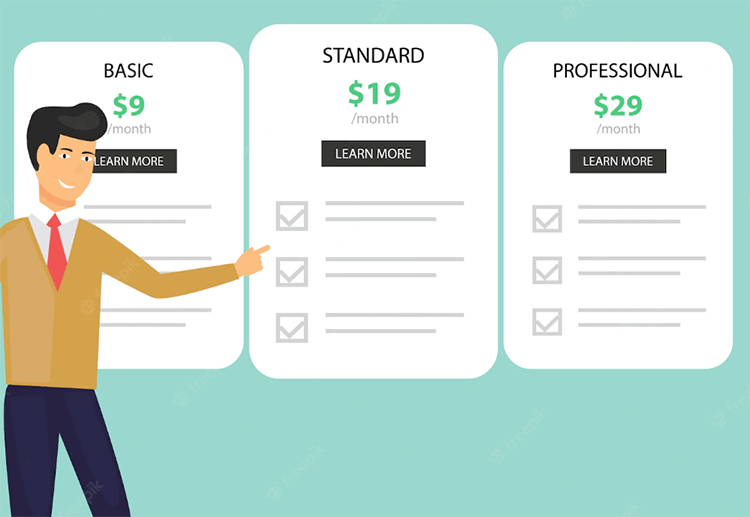
You will also need to choose and buy a hosting plan that meets your requirements. Web hosting is a place where your WordPress files will live. It powers your WordPress blog or website and it is the home of your website on the internet.
Download and install WordPress
You can install WordPress from your hosting Cpanel by using auto-installer software. Or install WordPress manually.
First, download the WordPress software package from www.wordpress.org. Then upload these files to your web hosting’s public_html directory. You’ll need an FTP (File Transfer Protocol) program like FileZilla.
Your hosting company will provide FTP account details. Use these details to connect and transfer your files.
Log in to your WordPress admin dashboard
After installing WordPress you can log in to your WordPress admin dashboard by using the login information that you have given during WordPress installation.
Choose and Install a WordPress theme
There are already thousands of pre-made WordPress themes available for you to choose and install from. Installing your WordPress theme is easy.
Open your admin dashboard. Navigate to the Appearance section. Click on Themes. From here, you can add and install your chosen theme.
It’s recommended to test your new theme in a staging environment first. It allows you ensure everything works as expected. You can make adjustments without affecting your live site. There’s no risk to your actual website while you test and make changes.
Customize Your WordPress theme
After installing your desired WordPress theme. It is now time to customize your desired WordPress theme. You can modify menus, headers, background colors and images, font style and size, etc.
To learn more, visit how to update WordPress theme .
Choose and install Essential WordPress plugins
WordPress plugins let you add new features to your existing WordPress blog or website. WordPress comes with 55,000+ plugins, some of which are free and others are paid. You can choose and install a WordPress plugin of your choice by going to the Plugins section from your dashboard and clicking the add new button.
Configure your WordPress plugins
After installing your desired WordPress plugin it is now time to configure your plugins by clicking the plugins section from your WordPress admin dashboard. You can configure each plugin by clicking on it one by one.
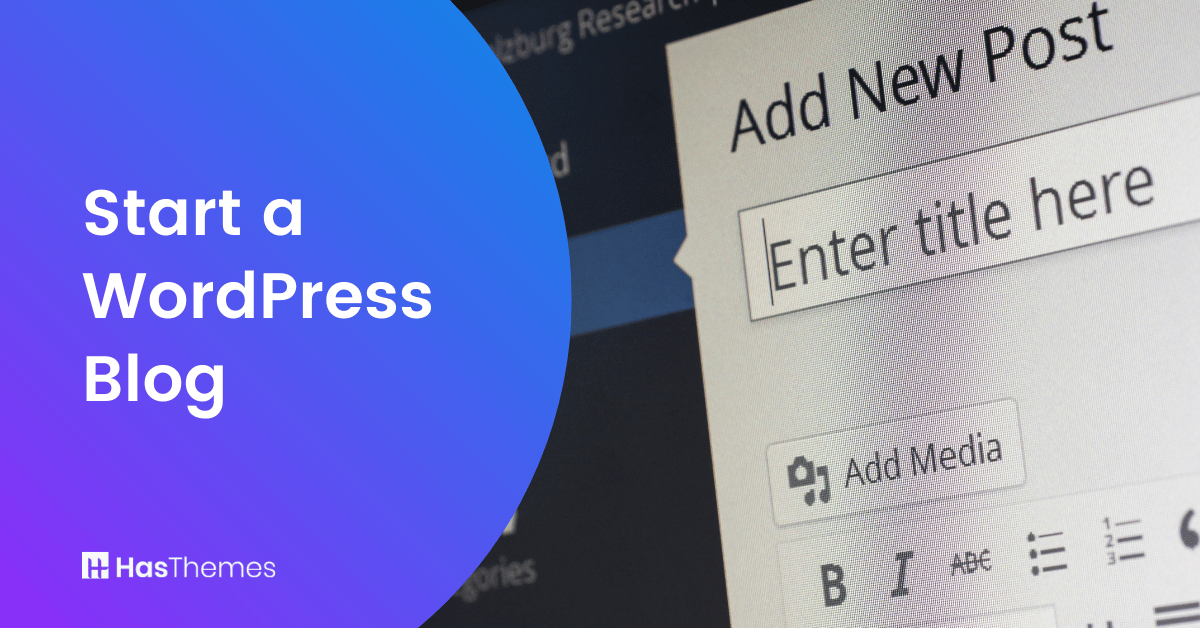
Write a WordPress blog post or article
After you have installed and customized your WordPress themes and plugins, it is now time to write a blog post with the title, content, and images of your choice.
Publish your website
Since you have completed all of the above steps and your WordPress blog or website is now completely ready and , you can start publishing. Once you have written your first blog post or article, it’s time to share it with your audience. Now all that remains is for you to publish the blog post or the article for the whole world to read.
Frequently Asked Questions
How much does it cost to start a WordPress blog?
The basic costs include domain name ($10-15/year) and hosting ($3-10/month). While WordPress itself is free, some premium themes and plugins may cost extra. You can start with less than $100 for your first year.
Do I need to know coding to create a WordPress blog?
No, WordPress doesn’t require coding knowledge. Its visual editor and pre-made themes make it easy to create and customize your blog without any technical skills.
How long does it take to set up a WordPress blog?
With this guide, you can set up a basic WordPress blog in about 30-60 minutes. This includes domain registration, hosting setup, WordPress installation, and basic customization.
Can I change my WordPress theme later?
Yes, you can change your WordPress theme anytime. WordPress makes it easy to switch themes while keeping your content intact. Just remember to back up your site before making major changes.
What’s the difference between WordPress.com and WordPress.org?
WordPress.org is self-hosted, giving you full control over your blog and monetization options. WordPress.com is hosted for you but has limitations on customization and monetization unless you upgrade to expensive plans.
Which hosting provider is best for beginners?
Popular beginner-friendly hosting providers include Bluehost, SiteGround, and HostGator. They offer one-click WordPress installation and 24/7 customer support.
Conclusion
Starting a WordPress blog is your first step toward building an online presence. Now that you know how to start a WordPress blog, you’re ready to join millions of successful bloggers worldwide. Remember, every popular blog started exactly where you are today – with that first post.