Elementor Motion Text widget

Easily animate your text to add a touch of motion and visual interest to your pages. The Elementor motion text widget offers various transition effects for animated text. It helps create engaging text animations that enhance user experience on websites.
Add movement and life to headers, titles, quotes, or any other text on your site. Add excitement and intrigue to your headlines with Elementor Motion Text Widget.
With Elementor Widget, you can easily add attention-grabbing animation effects to your headlines to help drive conversions. With Elementor Motion Text Widget, you can quickly and easily add animated text to your website.
Select from multiple animation effects like motion blur, motion streaks, and speed lines. This widget helps you add exciting movement to your website for better engagement. Simple adjustments make your headlines stand out and capture user attention instantly
With a few tweaks, you can have your headlines leaping off the page and grabbing attention.
Benefits of Elementor Motion Text Widget
With Elementor Motion Text Widget, you can quickly and easily add dynamic motions to your text. It’s the ideal way to add some appeal and intrigue to any website. It’s easy to use and perfect for creating animated text, blog post intros, and more.
You can choose from many designs to make scrolling and reveal text animations. This widget also lets you add call-to-action animations for better engagement.
With Elementor motion effects Widget, you can easily add life to your text. This powerful plugin offers a variety of animations for your website. It allows you to create motion blur or speed lines effortlessly.
Whether you want to create motion blur or speed lines, this plugin makes it easy to add engaging and dynamic text to your website. Add engaging and interactive Elementor text animation to any of your headers, and make your visitors’ experience more engaging.
Motion Text Widget by Move Addons

Make your text come to life with Move Addon’s Motion Text Widget. The content tab offers you options to add a title that you want to display in motion to your web page. You can add any title you want. Not only that choose the type of motion that seems most appealing to your eyes.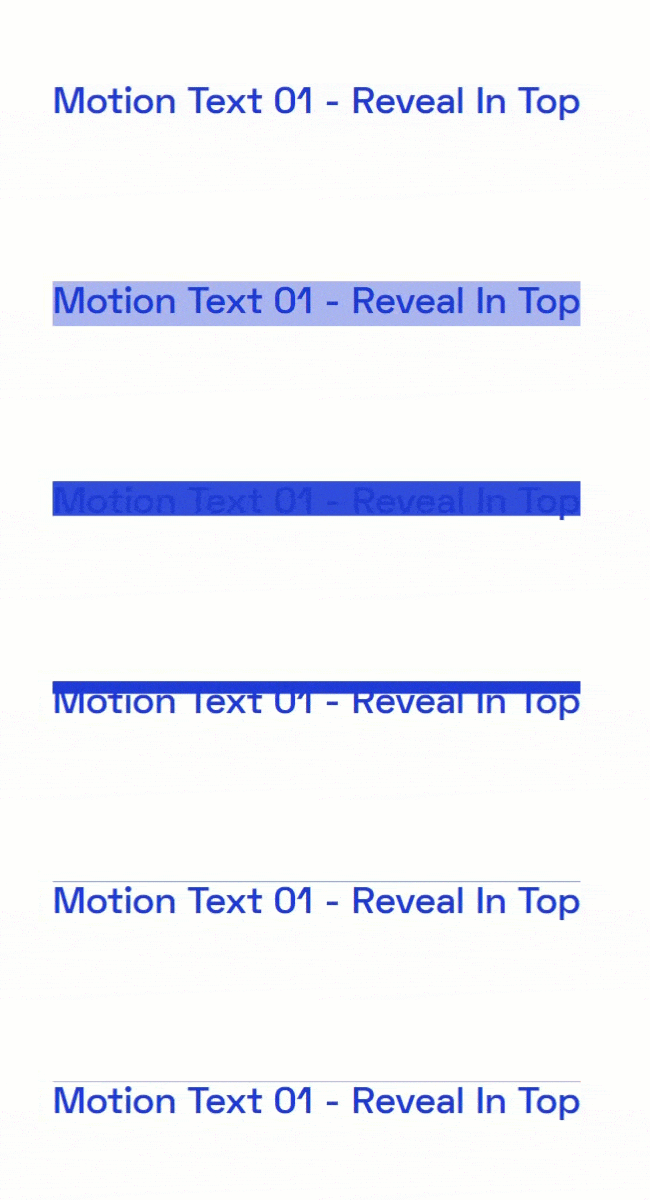
The Move Add-ons Elementor plugin offers plenty of styles to choose from in this widget. Spice up your web page by adding dynamic text with the different types of motion.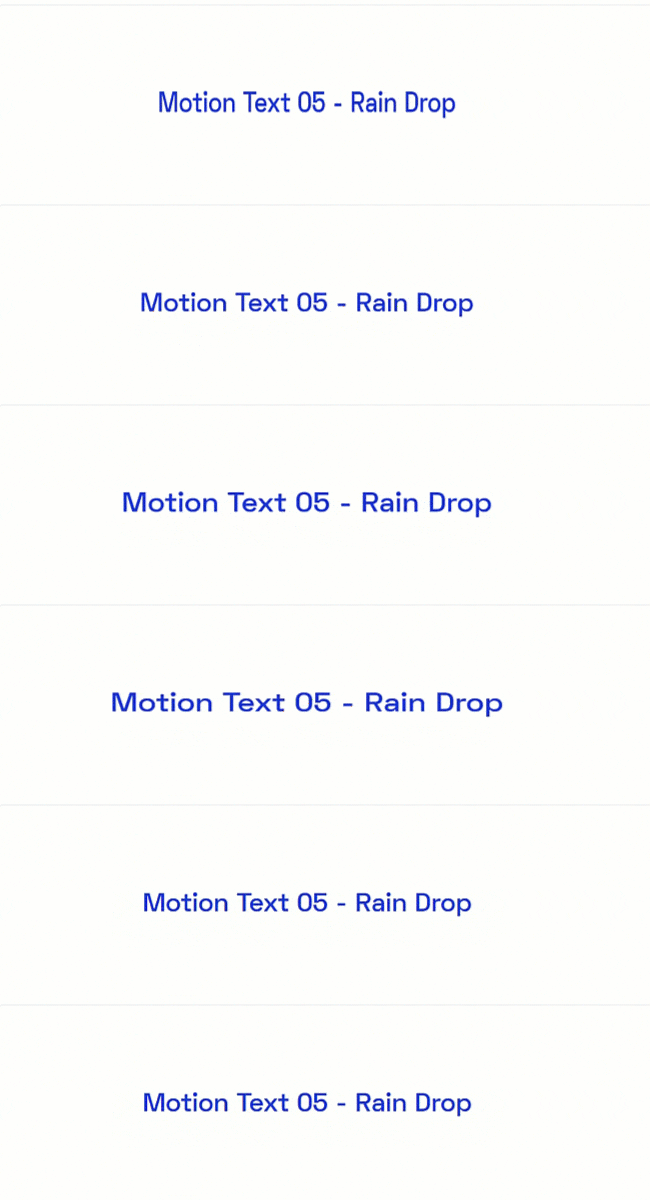
In the Style tab, you will get options to personalize the look and feel of your motion text section. Add color and gradients to your motion text section. Alter the typography as well. Choose the one that goes with your brand’s overall looks.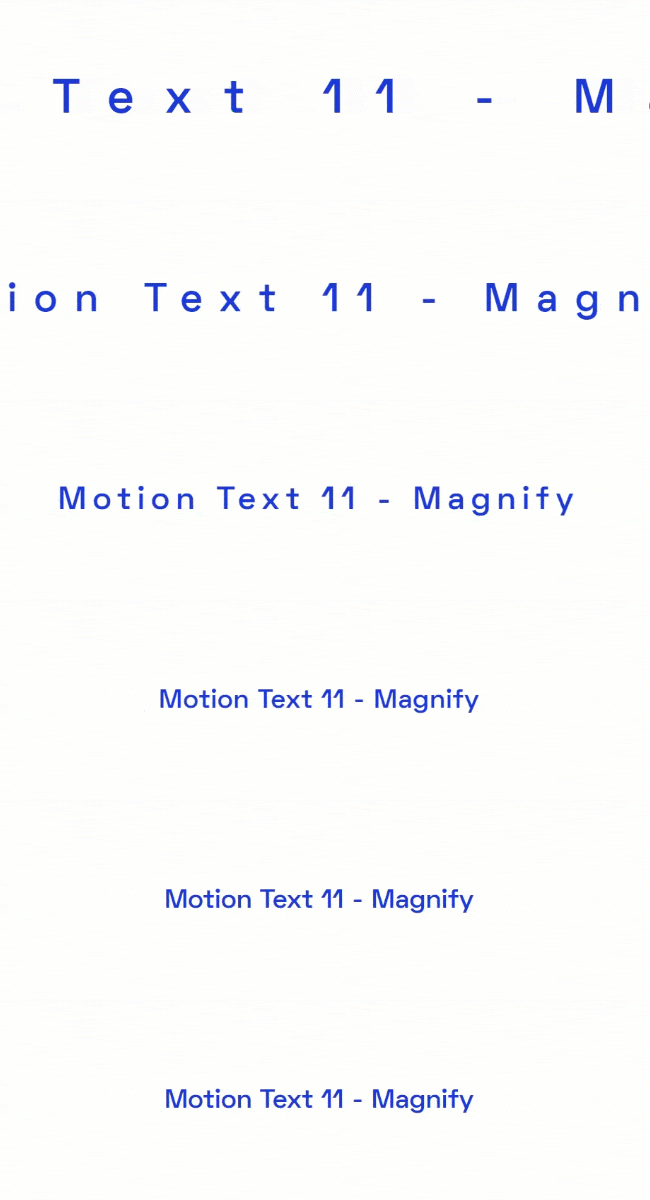
Add borders to the text section as well as change the Border Type, Border Radius, and Padding around the borders. Also, select the alignment for your texts to grab the attention of your website visitors.
Pricing Plan: Move Addons
Check the pricing table for Move Addons.Personal Developer Agency 1 Website: $39/year 5 Websites: $89/Year 1000 Websites: $179/Year 1 Website: $149/Lifetime 5 Websites: $349/Lifetime 1000 Websites: $549/Lifetime 80+ Widgets
Outstanding Design
Access to Template Library
Access to Premium Themes (Coming Soon)
On-Demand Asset Loading
Live Copy80+ Widgets
Outstanding Design
Access to Template Library
Access to Premium Themes (Coming Soon)
On-Demand Asset Loading
Live Copy80+ Widgets
Outstanding Design
Access to Template Library
Access to Premium Themes (Coming Soon)
On-Demand Asset Loading
Live CopyBuy Now or Check Pricing Plan Buy Now or Check Pricing Plan Buy Now or Check Pricing Plan
Watch the video about Elementor Motion Text widget
Conclusion
With the Elementor Motion Text Widget, you can easily add eye-catching animations to the headings and content of your website. Whether you’re looking to add some extra flair to your site or want to draw attention to a key message, this WordPress text animation widget makes it easy to create engaging content.